Short answer: An onward ticket at a self-service airport kiosk may help an airline complete an international document check, but the kiosk does not necessarily verify or sell the onward journey itself. It retrieves an existing check-in record and applies the airline’s programmed workflow. If the screen cannot complete passport, visa, route or onward-proof checks, take the current document to an airline agent rather than repeatedly scanning it.
You scan the passport, the booking appears and then the screen stops: See an agent. That message does not reveal whether the problem is the onward trip, visa, passenger data, codeshare carrier, ticket status or a simple kiosk limitation.
The fastest response is to know what the machine can do, keep the supporting documents offline and move to the correct staffed desk when automation ends. A kiosk should be treated as a check-in interface, not as the final judge of immigration eligibility or reservation validity.
Key facts
- Kiosk functions vary by airline, airport, route and passenger type.
- Most kiosks retrieve and update an existing booking; they are not general marketplaces for buying a new onward journey.
- A booking reference identifies a reservation record, while an e-ticket number indicates a different ticketing layer.
- A public lookup failure does not prove that no record exists, and a visible record does not guarantee boarding.
- International document checks may be automated, partially automated or referred to an agent.
- The operating carrier controls check-in on many codeshare journeys.
Need onward-flight evidence before airport check-in? Prepare the passenger, route and date details before leaving home, then verify whether the airline or destination requires a reservation or an issued ticket.
In This Guide
Official-source check: Airline functions are not universal. Air Canada’s self-service kiosk guidance explains eligibility and identification methods for its kiosks, while Emirates’ kiosk guidance lists its available check-in, boarding-pass, seat and baggage functions and route exceptions. For international document controls, IATA’s Timatic overview explains how airlines can use destination requirements in automated and staffed check-in systems. Confirm the operating carrier’s current process for the actual airport and route.
Reviewed for: self-service kiosk limitations, PNR-versus-ticket terminology, automated document-check wording, codeshare check-in responsibility, public-lookup limitations and onward-proof claim safety.
What a Self-Service Kiosk Can and Cannot Do With an Onward Ticket

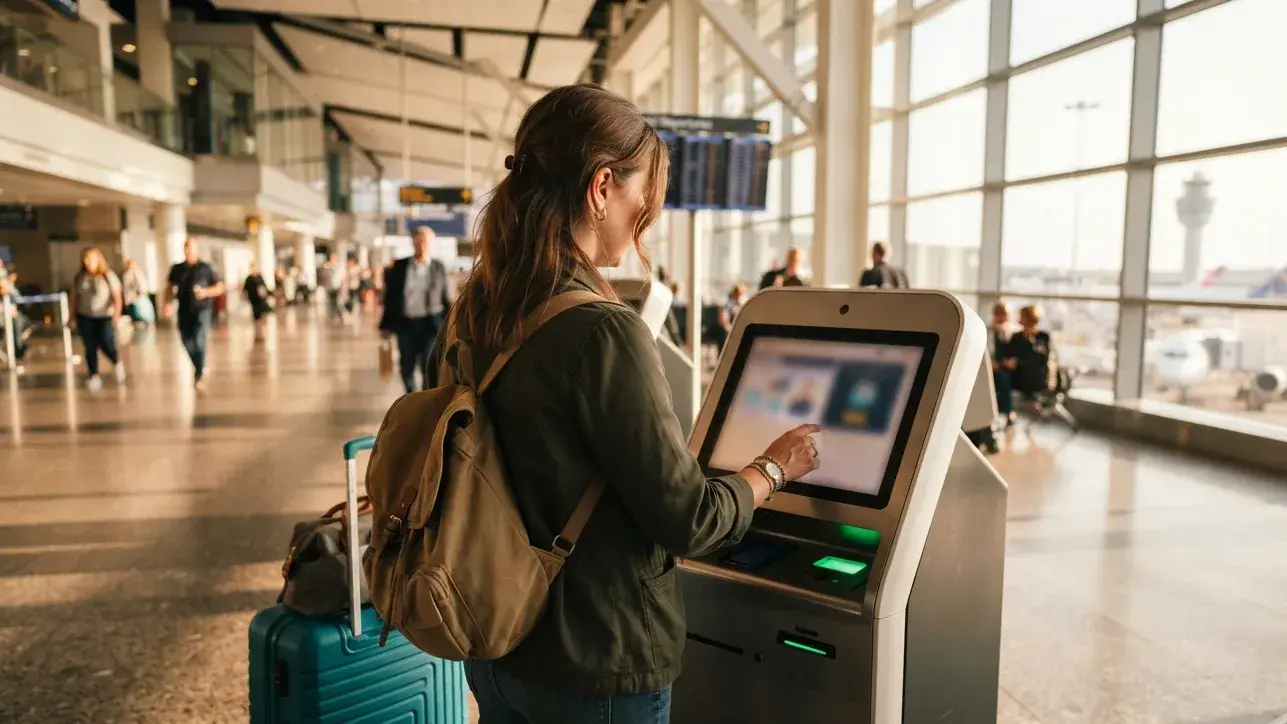
Kiosks resemble compact airline offices, but they run a limited workflow chosen by the airline and airport. A machine may retrieve a reservation, collect passenger information, assign or change a seat, print a boarding pass, issue baggage tags or direct the traveler to staff.
Check-In Interface, Not a Universal Ticket Shop
A self-service kiosk generally starts with an existing airline record. It may identify the passenger using a passport, booking reference, ticket number, payment card, loyalty account or barcode, depending on the carrier.
Some kiosks accept payment for baggage or other extras attached to that booking. That does not mean every machine can search, price and issue a brand-new onward ticket to another country. If a new journey is needed, the airline app, website, ticketing desk or another authorized sales channel is usually the appropriate place.
Do not spend critical check-in time searching every menu for a purchase option. Ask a floor agent whether the machine can perform the required transaction. If not, move to the ticketing or check-in desk before its cutoff.
What the Kiosk May Ask For
Common identification inputs include:
- Booking reference: the airline or reservation-system locator attached to the itinerary.
- Passport: used to identify the traveler and collect required travel-document data.
- E-ticket number: a ticketing identifier where the carrier supports that lookup.
- Frequent-flyer account or card: when it is linked to the booking.
- Check-in barcode: when online or mobile check-in has already started.
The screen may then show the passenger, flight, seat and baggage options. International travel can introduce a separate travel-document step. The system might clear it automatically, request additional data or stop and send the traveler to an agent.
A “See Agent” Message Is Not a Diagnosis
The message can result from an incomplete passport field, visa check, onward-travel condition, codeshare restriction, special-service request, unaccompanied minor, payment issue, ticket status or airport-specific rule. It can also be a technical failure.
Do not assume the onward reservation is invalid simply because the kiosk does not print a pass. The machine may lack authority to decide the case, even when an agent can complete it.
What the kiosk result proves
- Boarding pass printed: the automated workflow cleared that check-in stage; border admission still remains separate.
- See agent: staff review or another action is needed; the message alone does not identify the defect.
- Booking not found: that lookup method did not return the record; confirm the carrier, locator and system before drawing a conclusion.
Prepare the Onward Document Before Reaching the Kiosk
Airport self-service works best when the booking and travel-document decisions have already been made. Build the file at home, where there is time to correct passenger names, dates and route logic.
Choose the Evidence the Recipient Actually Requires
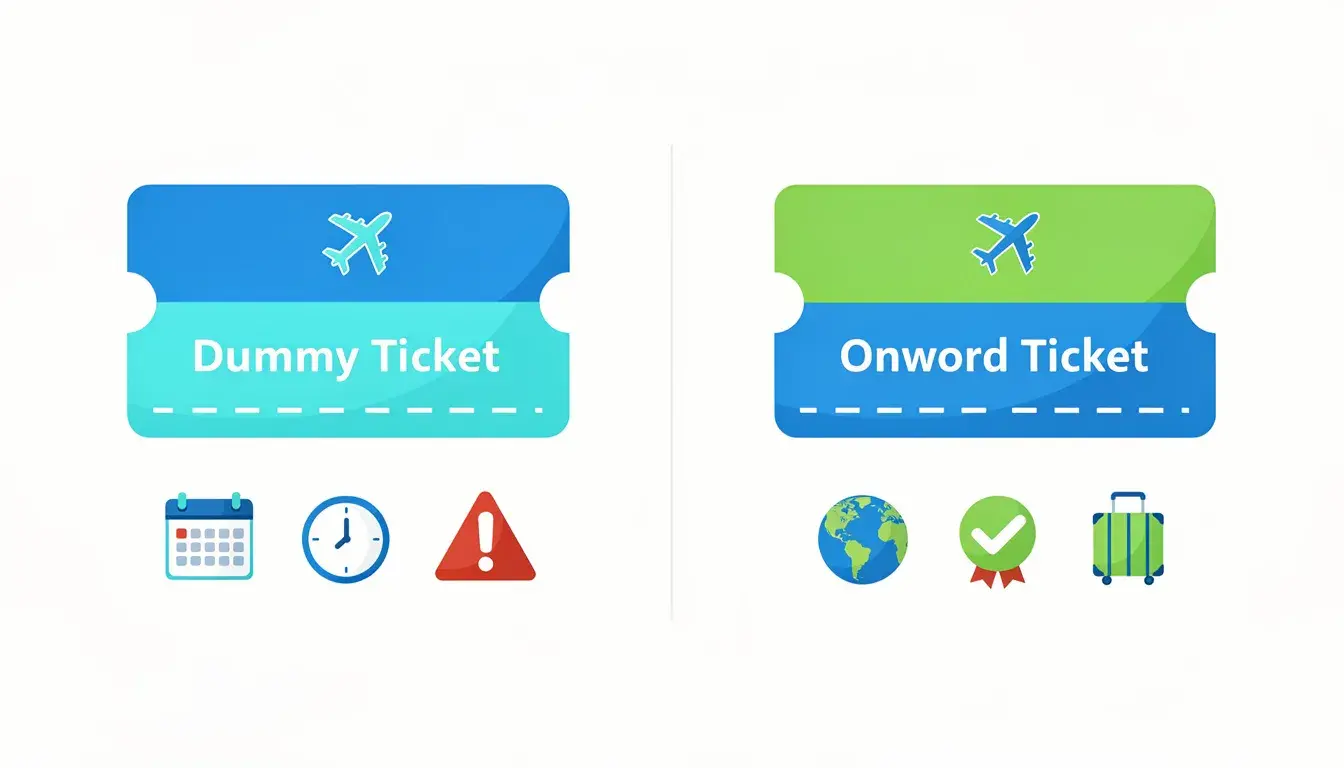
An onward document can be an issued flight ticket, a return ticket, a separate onward booking or, where permitted, a temporary reservation. These formats do not have identical status.
A dummy ticket used as temporary reservation evidence can show a named passenger, route, date and active booking record. It cannot replace an issued e-ticket when the airline or authority expressly requires paid travel.
Read the destination and transit rules for the exact passport and journey. A route acceptable for one nationality may require additional authorization for another. The kiosk cannot repair an inaccessible next destination.
Match the Passport and Itinerary
Compare the reservation with the passport and main ticket line by line:
- Passenger surname and given-name order.
- Passport number, nationality and expiry date where recorded.
- Departure country and airport.
- Next destination and transit points.
- Local departure date and time.
- Operating carrier and flight number.
- Booking reference and reservation or ticket status.
Reservation systems can display compound or hyphenated names differently. A harmless formatting convention is not the same as a different passenger, but never edit a PDF yourself. Ask the issuer or carrier to correct a material error.
Build an Offline Airport Folder
Store the passport, main itinerary, onward evidence, visa or travel authorization and first accommodation details together. Keep the current PDFs offline and carry a printed copy when an international document check is likely.
For families, confirm that every traveler is listed. A group PNR can contain several names, but the kiosk or agent may still need to check each passport individually.
If the same evidence was prepared for an application, compare its dates with the final journey. For a broader explanation of application-stage transport proof, use this flight reservation for visa reference, then follow the destination authority and operating carrier for travel-day requirements.
PNR, Reservation and E-Ticket Are Not the Same Thing
Many kiosk problems become easier to explain once these layers are separated. The terms are often used casually, but airline systems treat them differently.
| Record or Document | What It Generally Identifies | What It Does Not Guarantee |
|---|---|---|
| PNR or booking reference | A reservation record in an airline, agency or distribution system | Ticket issuance, public display, boarding or entry |
| E-ticket number | A ticket issued for specified air-coupon segments | That every segment is open, unchanged or eligible for check-in |
| Boarding pass | Check-in completion for a particular flight segment | Final border admission or freedom from later document checks |
| Onward-reservation PDF | The itinerary and status represented by the issuer at that time | That a kiosk can retrieve it or that every recipient accepts it |
Why the Kiosk May Need the Main Booking, Not the Onward PNR
The kiosk used for departure is normally tied to the airline operating or checking in the main flight. Entering a separate onward locator from another carrier may not retrieve the main trip and may not be a supported input at all.
The separate onward document is often evidence for a rule check rather than the record being checked in. Present it to an agent if the automated system asks for manual review.
Public Display Is Only One Signal
A record made through an agency or another airline can sit in a different system. The operating carrier may also create its own locator. Consequently, one public “manage booking” page can return no result even though another authorized system has the record.
That does not mean every failed lookup is harmless. It means the next step is verification with the issuer or airline, not a claim that public visibility is universal.
Why a Kiosk May Not Find a Reservation That Exists

A red screen can reflect the wrong locator, wrong carrier, delayed update, changed segment or a check-in restriction. Work through those possibilities in a fixed order.
Confirm the Operating Carrier First
A marketing airline can sell a flight operated by a partner. The ticket may display both names and more than one booking reference. Check-in may belong to the operating carrier, especially at the departure airport.
Read the line that says “operated by,” confirm the terminal and use the kiosk or desk assigned to that carrier. Trying the marketing carrier’s machine repeatedly will not resolve an operating-carrier restriction.
Try the Supported Identifiers Once
- Scan the passport or barcode according to the on-screen instruction.
- Enter the main flight’s booking reference carefully.
- Use the e-ticket number only if that kiosk offers the option.
- Confirm the surname format exactly as the main booking displays it.
- Move to an agent if the approved methods still fail.
Repeated scans consume time without adding information. Photograph the message if permitted and note which identifier failed, so the agent knows what has already been tried.
Schedule Changes and Record Updates
A cancellation, reissued ticket, aircraft change or partner-airline update can temporarily affect check-in. Review recent airline emails and confirm that all intended segments still show confirmed status.
Never solve an ambiguous kiosk message by immediately buying a duplicate ticket. Ask the airline to identify the affected segment and whether the existing ticket needs revalidation or reissue.
Why Onward-Proof Rules Can Stop a Boarding Pass
International check-in combines the passenger, route and travel documents with destination and transit requirements. Some checks can be automated; others require a human.
How Timatic Can Support Airline Checks
IATA describes Timatic as a source of real-time international travel-document requirements used by airlines, ground handlers and other travel-industry participants. Products can feed rules into airline check-in, departure-control and self-service processes.
That does not mean every kiosk has the same integration or independently validates every PDF. A system may clear the passport and visa, request another document, or route the traveler to staff for a judgment or visual check.
Two passengers on the same flight may receive different results because nationality, residence, visa, transit, destination and trip duration differ. Use the dummy ticket for visa guide when the document began as application evidence, but recheck its present status and travel-day suitability separately.
Airline Check and Border Decision Remain Separate
Printing a boarding pass does not guarantee admission. IATA’s explanation of travel-document checking likewise distinguishes the carrier’s assessment from the authority’s arrival checks.
The airline decides whether it will transport the traveler. Immigration or border authorities decide whether the person is admitted. A temporary reservation can support one requested check without controlling either decision.
When to Go Straight to Staff
Skip repeated kiosk attempts when the journey includes a visa that needs inspection, residence permit, complex codeshare, special passport, unaccompanied minor, pet, medical equipment, unusual transit status or a screen instruction to see an agent.
Also use staff when the requested onward evidence is a separate booking the kiosk has no way to upload or assess. Show the document and ask what exact requirement remains unresolved.
Codeshare Flights, Terminal Choice and Check-In Cutoffs
The correct document can still become useless if the traveler reaches the wrong desk after check-in closes. Verify operational details before leaving for the airport.
Follow the Operating Airline
A codeshare itinerary may show one airline’s code while another operates the aircraft. Confirm the operating carrier, its terminal and its kiosk eligibility. Partner segments on the same booking may have different check-in rules.
If the kiosk prints only some boarding passes, do not assume the remaining segment has been canceled. A later carrier may need to issue its pass, or a document check may remain open.
Use the Airline’s Published Cutoff
There is no reliable universal cutoff such as 75 or 90 minutes for every airport. Airlines publish route- and airport-specific deadlines for check-in, baggage acceptance and boarding.
Arrive early enough to survive a manual review. Three hours is a common planning margin for international travel, but it is not a substitute for the carrier’s actual deadline.
Keep Kiosk, Bag Drop and Document Review in the Right Order
A kiosk may issue baggage tags before the traveler has completed every manual check, or it may withhold them. Follow the local signs and staff instructions rather than assuming a bag tag equals full clearance.
When the screen refers the traveler to staff, take the passport, main itinerary and onward evidence together. Leave checked baggage accessible until the airline confirms where it should go.
What to Do When the Kiosk Stops: A Decision Guide
| Kiosk Result | Likely Next Step | Do Not Assume |
|---|---|---|
| Booking not found | Confirm operating carrier, main locator, surname and ticket status | That the onward PDF itself is false |
| See agent or documents required | Take passport, visa and onward evidence to the airline desk | That boarding has already been denied |
| Only one segment appears | Ask whether the partner carrier issues the later boarding pass | That the unseen segment is canceled |
| Boarding pass prints | Continue to any required bag drop, security and gate checks | That destination admission is guaranteed |
Use a Calm, Specific Script
Say: “The kiosk directed me here during international check-in. My main locator is this one, and this separate document shows my onward route.” Then let the agent identify what remains open.
If the agent cannot locate a record, ask whether another carrier locator or ticket number is required. If onward evidence is rejected, ask whether the issue is document status, destination eligibility, date, route or airline policy.
Fix Only the Confirmed Problem
Do not buy a new flight, alter a document or abandon the booking until the airline states what is wrong. A name correction, passport update, ticket reissue or supervisor review may solve a problem that looks identical on the kiosk screen.
If a new onward ticket is truly required, use an authorized channel and check the passenger, route, date and next-country permission before payment. Keep any written airline decision or new receipt.
Final Pre-Airport Checklist
- Main flight is confirmed and ticket status has been checked.
- Operating carrier and terminal are known.
- Passport and visa or travel authorization are current.
- Onward evidence matches the passenger and permitted stay.
- Next destination is legally accessible.
- Booking reference and e-ticket number are not confused.
- Current PDFs are saved offline and one copy is printed.
- Airline-specific check-in and baggage cutoffs are known.
The kiosk is a shortcut when its automated path fits the traveler. When it does not, a referral to staff is the correct workflow—not proof that the journey has failed.
Need onward reservation evidence before international check-in? Prepare it before the airport, confirm the passenger and route details, and keep the current PDF ready for staff review if the kiosk cannot complete the process.
Frequently Asked Questions
Can I buy an onward ticket at a self-service airport kiosk?
Do not assume that you can. Most self-service kiosks are designed around existing airline bookings and may offer check-in, boarding passes, seats, baggage tags or paid extras. A new onward journey may require the airline website, app, ticketing desk or another authorized sales channel. Ask airport staff about that machine’s functions.
Why does the kiosk tell me to see an agent?
The kiosk may need staff review of a passport, visa, onward condition, booking status, codeshare, special-service request or technical problem. The message is a referral, not a complete diagnosis or automatic boarding denial. Take the passport, main itinerary and onward evidence to the operating airline’s desk.
Can I enter my separate onward-ticket PNR at the kiosk?
The kiosk normally retrieves the flight being checked in, so a separate onward booking from another carrier may not be a supported lookup. Keep that onward confirmation as evidence and show it to an agent if the international document check requires review.
Does a failed kiosk lookup mean my reservation is invalid?
No. It can mean the wrong carrier, locator or surname format was used, a partner record is required, an update is pending or staff review is mandatory. Confirm the operating carrier and ticket status with the issuer or airline rather than treating one public or kiosk lookup as final proof.
Is a PNR the same as an issued e-ticket?
No. A PNR or booking reference identifies a reservation record, while an e-ticket number indicates ticket issuance for specified air segments. A reservation may exist without being ticketed, and an issued ticket can still require revalidation, reissue or document review before check-in.
Does a printed boarding pass guarantee entry at my destination?
No. It shows that the airline completed that check-in stage for the flight. Border or immigration authorities make a separate admission decision, and airline staff can conduct additional document checks at bag drop, transfer points or the gate.
Friendly reminder: DummyFlights provides temporary travel-proof documents for planning and application support. Requirements vary by destination, airline, route and applicant situation. A dummy ticket can support a file, but it does not guarantee approval, boarding or entry.