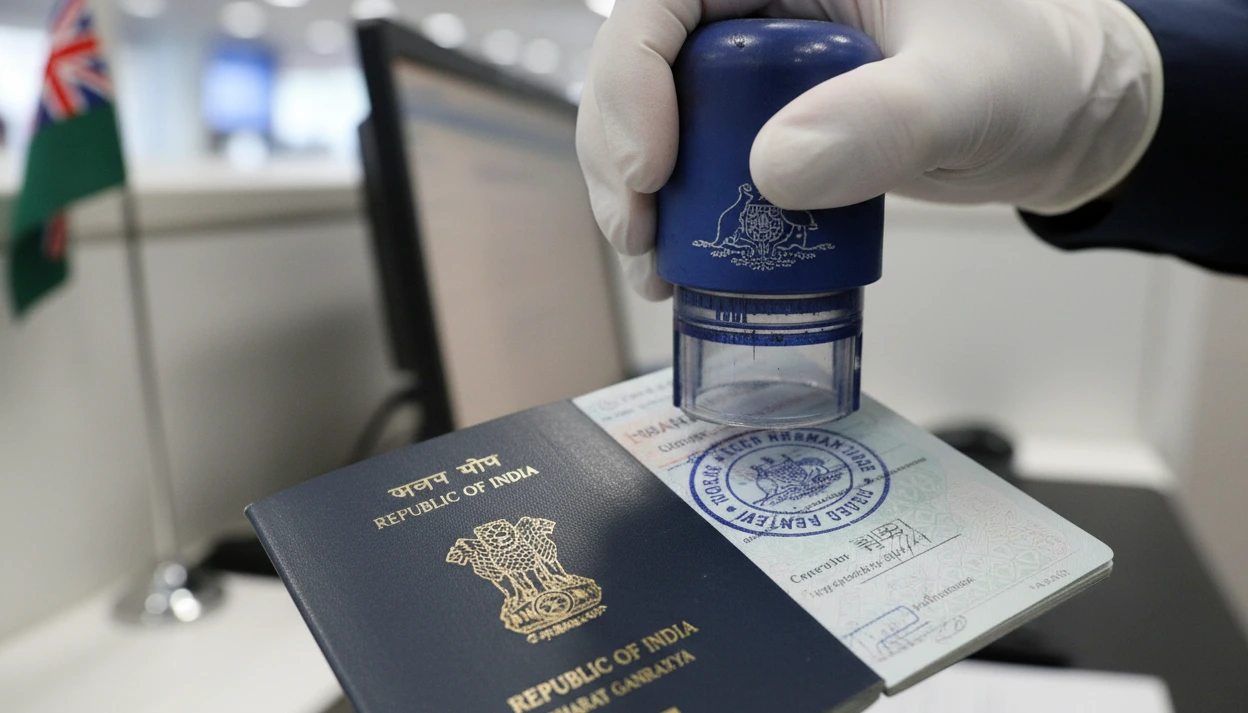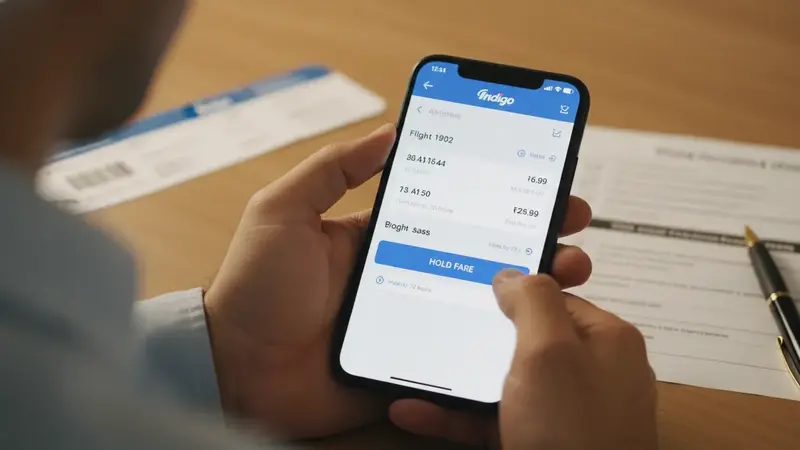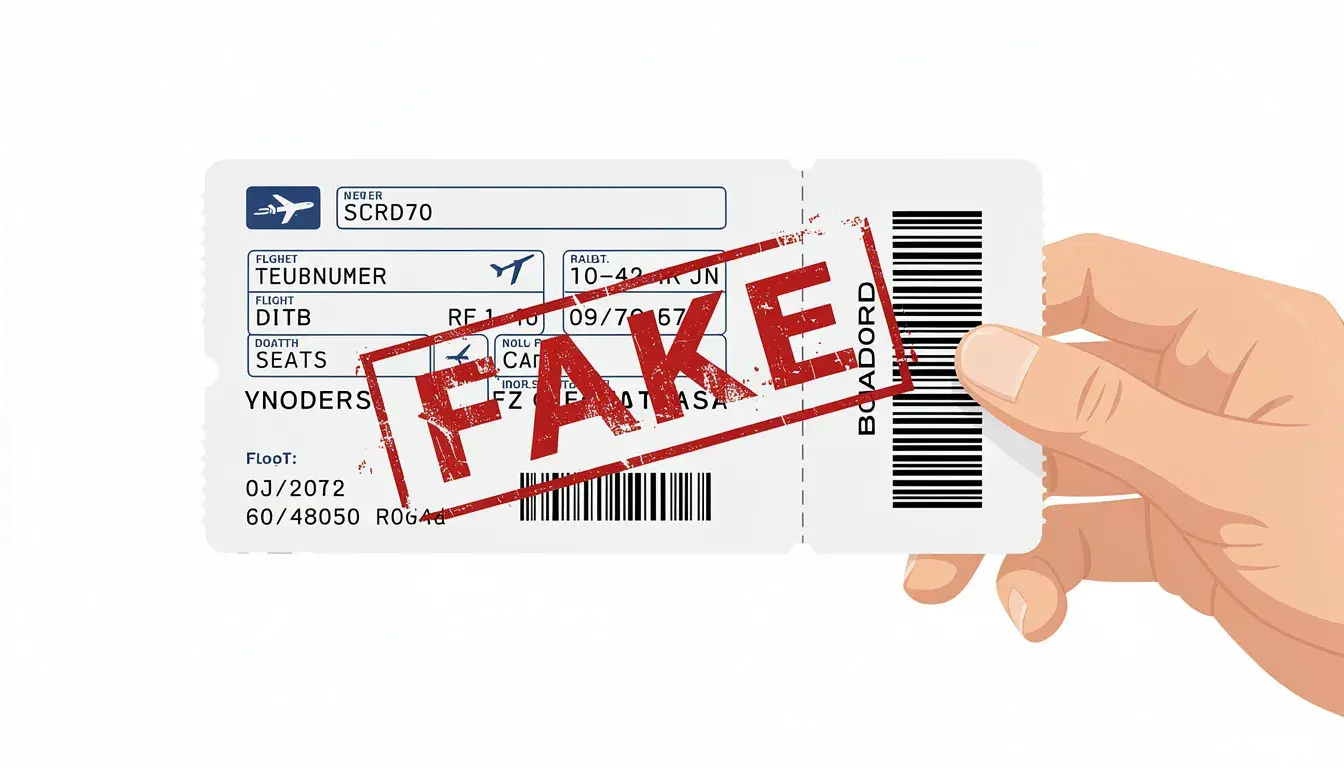
Thailand visa fake-booking detection usually starts when your flight, hotel, name, date or route details do not behave like normal reservations. A clean dummy ticket booking should look consistent, readable and current across the whole Thailand visa file, not like a cropped screenshot, edited PDF or disconnected document created only to satisfy an upload field.
Thailand visa reviewers rarely reject a file because you picked the wrong hotel or airline. The problem usually begins when your bookings do not behave like real reservations during a quick sanity check. One swapped surname order, a missing hotel night, a Bangkok arrival paired with a first stay hours away, or a flight proof that expires before review can turn a normal application into a fake-booking concern.
This guide shows how to pre-audit your Thailand reservation pack before you upload it. You will learn which booking style is safest for your timeline, which inconsistencies trigger scrutiny, how to handle Thailand e-Visa uploads, and how to repair a weak booking without creating new contradictions.
The goal is not to “beat” detection. The goal is to remove the patterns that make honest travel proof look unreliable. A strong Thailand file should let the reviewer answer the basic questions fast: who is traveling, when they arrive, where they stay, how they leave, and whether the documents tell one coherent story.
Key facts before you upload Thailand travel proof:
- Thailand document requirements can vary by visa type, nationality and embassy or consulate post.
- Some posts accept travel booking confirmation, while stricter posts may ask for airline-issued tickets or official confirmations.
- Fake-looking signals often come from mismatched names, impossible dates, cropped screenshots, missing hotel nights and unclear routing.
- A dummy ticket or dummy hotel booking should support the real trip story, not create a disposable paper trail.
- If one booking is weak, fix the exact weak point instead of flooding the file with extra versions.
Need Thailand proof that stays coherent under review? Create a clean DummyFlights dummy ticket booking with readable route, date and passenger details before you upload your visa file.
In This Guide
Official-source check: Thailand visa instructions are not identical across every post. The Thai e-Visa official site says applicants upload supporting documents, and that embassies or consulates may request an interview or additional documents while submission does not guarantee approval. Thailand MFA tourist-visa guidance lists evidence of travel from Thailand and adequate finance among required documents. Royal Thai Embassy Copenhagen guidance gives examples of travel booking confirmation and proof of accommodation, while Royal Thai Embassy London general guidance says many visa types require official flight confirmation and warns that tickets on hold or from travel agencies are not accepted for its process. Sources: Thai e-Visa official website, Thailand MFA visa guidance, Royal Thai Embassy Copenhagen visa requirements and Royal Thai Embassy London visa guidance.
Reviewed for: Thailand e-Visa upload clarity, fake-booking risk language, airline-issued wording, hotel-proof consistency, name-date-route matching, screenshot-risk warnings, third-country filing logic and official-source alignment.
How Thailand Reviewers Decide a Booking Looks Real Enough
Thailand visa files pass more smoothly when reservations read like a coherent trip, not a collection of documents. A reviewer can accept a simple plan. What creates friction is a pack that looks unstable, edited, incomplete or internally inconsistent.
Fake-booking detection is not always a dramatic forensic process. Often it is a fast credibility scan. Does the passenger name match the passport? Does the flight enter Thailand before the hotel starts? Does the hotel cover the stay? Does the exit route make sense? Does the document look like a normal reservation output, or does it look rebuilt by hand?
That is why even legitimate bookings can be flagged. A real reservation can look suspicious if you submit only a cropped screenshot. A genuine hotel stay can look weak if the lead guest is not the applicant. A valid route can look manufactured if a late arrival is paired with a same-night transfer that is physically unlikely.
The Thailand-specific trigger: “genuine uploads” and what reviewers react to
When Thailand guidance asks for travel or accommodation evidence, the practical meaning is credibility under review. The reviewer needs to believe the document could exist in a real airline, hotel, agency or property system, and that it matches the travel story you claim.
Doubt usually starts with pattern, not one isolated word. A flight itinerary and hotel confirmation that both look like they came from the same generic template can feel manufactured. A booking that looks too clean because the terms, guest names or property details were removed can create the same problem. A file name, PDF layout or page crop can also introduce suspicion if it looks like the document was edited to hide weak fields.
Thailand plans often include Bangkok plus a second stop such as Phuket, Chiang Mai, Pattaya, Krabi or Koh Samui. That is normal. Doubt starts when the timeline is physically awkward, such as landing late in Bangkok and checking in far away that same night with no believable transfer window.
The fastest consistency checks that catch applicants off guard
Most fake-booking suspicion begins with mismatches that can be fixed before submission. The problem is that applicants often check each document alone instead of checking the pack as a system.
- Name fidelity: passport name appears the same way on flights and accommodation.
- Date alignment: arrival date, first hotel night, final hotel night and exit proof make sense together.
- City logic: arrival airport, first stay and onward movement work on a real map and clock.
- Document behavior: the confirmation includes normal fields such as reference, route, property, terms or guest details.
- Upload clarity: the final file remains readable after compression, scanning or portal upload.
Thailand reviewers do not need every internal transfer booked. They do need your core dates to behave. If your documents force them to guess how you get from point A to point B, the pack becomes less reliable.
The “does this booking behave like a booking?” test
A strong reservation pack includes the fields that normally appear when an airline, hotel, platform or property confirms something. It does not need theatrical design. It needs enough normal detail to stand alone.
- Identity is embedded: passenger or guest name is visible, not only “lead traveler” with no context.
- The record stands alone: dates, route or property details and reference structure are present.
- Terms appear naturally: payment, cancellation or booking status is not suspiciously removed.
- The layout is intact: headers, footers and important fields are not cropped away.
- The details stay current: old and new versions are not mixed in the same upload.
Be cautious with “improving” documents. Cropping, rebuilding pages, merging screenshots or re-exporting files can create the exact visual cues reviewers associate with edited material. If you convert an email confirmation into a PDF, keep the full content and avoid partial screenshots.
Flight itineraries: what looks normal versus manufactured
Flights anchor the Thailand timeline. Reviewers want entries and exits that look plausible beside the accommodation plan. A flight itinerary reads as natural when routing is reasonable, connections have believable layovers, and every segment supports your stated Thailand plan.
Problems show up when the flight dates contradict accommodation, or when extra segments complicate the story without adding clarity. A route that enters Bangkok, sleeps in Chiang Mai, exits from Phuket and never explains the internal movement can be valid travel, but it may look unfinished as a document pack.
Two Thailand-specific traps appear often:
- Your return or onward flight departs before your last hotel night ends.
- You show a multi-city exit from one Thai region while your accommodation still places you somewhere else.
Separate flight segments should form a coherent journey with realistic connection times. flight reservation for visa explains the booking-status checks; compare each segment with the Thai application instructions.
Accommodation proof: the quiet place fake signals hide
Accommodation documents often create suspicion because they are incomplete, not because they are wrong. Thailand reviewers need to see who is staying, where they are staying, and for which nights.
Your accommodation proof stays strong when guest names are visible, property identity is unambiguous, and the nights cover the timeline without forcing interpretation. If you split stays, keep the movement realistic. A base in Bangkok plus one additional base can read cleanly. A rapid chain of one-night bookings across distant areas can look like a patchwork built only to satisfy a requirement.
The same principle applies to dummy hotel proof. If the hotel confirmation looks disposable, vague or edited, it can weaken the whole reservation pack. If it is clean, readable and aligned with the rest of the file, it helps the reviewer understand the trip faster.

A Thailand Reservation Pack Audit Before Upload
Before you upload a single file to Thailand’s e-Visa portal or submit documents to a Thai embassy or consulate, treat your bookings like a pack that must agree with itself. A quick audit can catch the small contradictions that look harmless to you but deliberate to a reviewer.
Build a one-page Thailand trip grid first
Start with one page that describes the trip in plain facts. This is not a cover letter and does not need to be submitted unless it helps explain the file. It is your internal control sheet.
Your grid should answer the same questions every night:
- Date
- City or area
- Where you sleep that night
- How you arrived
- How you leave the next day
- Whether a transfer is same-day realistic
Then add two details many applicants skip: arrival time window and transfer reality. If you land in Bangkok at 9:45 p.m., your grid should not place you in a distant province that same night unless there is a clear overnight transport plan. If you have two bases, the grid should show the switch date and why it makes sense.
This grid also prevents accidental overlap. Many applicants book a backup hotel night and forget it remains in the file. Overlaps are one of the fastest ways to make a reservation pack look assembled rather than planned.
The three-match rule that prevents most fake-booking flags
Run three matches across every booking you plan to upload. Do it line by line. Do not rely on memory or the assumption that “it is close enough.”
Match 1: identity. Your passport name should match your flight passenger name and hotel guest name. Watch for missing middle names, surname and given-name swaps, extra initials, spacing changes and transliteration differences. If one supplier cannot print the name correctly, fix the outlier document. Do not visually edit the PDF.
Match 2: dates. Your first hotel night should be reachable from your arrival. Your last hotel night should not extend beyond departure unless your plan clearly includes a gap. Check for hotel stays that start the day after arrival, return flights that depart before the last paid night, or one-night gaps that look like missing accommodation.
Match 3: place. Your arrival airport, first-night location and overall route should read as one trip. Bangkok to Pattaya, Phuket or Chiang Mai can work depending on arrival time and transport logic. A technically possible transfer can still look manufactured if the timing feels unrealistic.
Choose a booking style that fits your timeline
Thailand applications often fail when bookings are unstable under review. Choose a booking style that fits your timeline, not just your budget.
- If submission is within a few days, choose proof least likely to change or disappear before review.
- If travel dates are not final, keep the structure stable and avoid constant city switches.
- If the route is complex, simplify the proof so arrival, exit and sleeping nights are clear.
- If the post has strict instructions, follow the exact wording instead of assuming another embassy’s rules apply.
A low-risk file might show round-trip travel aligned to one primary base, with a short second stop that fits the calendar. A medium-risk file might show multi-city travel while accommodation remains simple and complete. A high-risk file usually combines split tickets, frequent hotel changes and late-night arrivals that require “maybe” transfers.
If you are in the high-risk category, reduce variables before uploading. Thailand reviewers respond better to a simple, believable structure than to a technically correct but messy one.
A clean upload standard that avoids edited-document suspicion
Thailand e-Visa uploads reward clarity. A clean file looks complete, consistent and unaltered. It should not look like a document you rebuilt to hide weak parts.
- Export full-page PDFs and avoid stitched screenshots.
- Keep headers, footers, terms and identifiers visible.
- Use one document per booking unless the portal forces a merged file.
- Keep resolution readable after upload compression.
- Use calm file names, not names that imply “fake proof,” “edited,” or repeated final versions.
If you must convert an email confirmation into a PDF, capture the full email content. Include the booking identifiers, traveler name and essential terms. Do not cut out sections because they look long. Those sections often make the document behave more like a real booking.
Example: Delhi to Bangkok with a Chiang Mai split stay
This is a common Thailand structure, and it can look credible when timing is clean. The file becomes risky only when the switch happens too fast for the arrival window.
- If you arrive in Bangkok in the evening, keep the first night in Bangkok.
- Start the Chiang Mai stay the next day or later unless your Bangkok arrival is early enough.
- Keep the Bangkok hotel end date aligned with a realistic move day.
- Do not make the reviewer guess whether a domestic connection exists.
If your flight arrives late and your Chiang Mai hotel starts that same night, the pack forces the reviewer to wonder how you got there. That is exactly where credibility drops.

Mistakes That Make Thailand Think You Are Using Fake Bookings
Thailand reviewers do not need to prove that you used a fake ticket to slow down or question your file. They only need enough friction in the travel documents to doubt the file’s reliability. That friction usually comes from avoidable mistakes.
Thailand fake-booking red flag checklist
Run this scan against every page you upload. It catches the patterns that slow down visa approval for Thailand tourist, visitor, transit and short-stay files.
- Passenger identity drift: passport details do not match what the booking shows.
- Untraceable booking: a PNR or booking reference appears, but the rest of the document gives no stable context.
- Timing that breaks reality: arrival, check-in, exit or hotel sequence is impossible or unexplained.
- Inconsistent contact details: email or phone formats look stitched together across documents.
- Overlapping nights or unexplained gaps: two stays cover the same night or one night is missing.
- Aggressive cropping: headers, terms, guest names or payment language disappear.
- Duplicated visual style: unrelated providers appear to use the same template or layout.
Treat this checklist like a final gate. If two or more items hit, fix them before you upload. The problem is not that one detail is imperfect. The problem is that several small issues together can make the pack feel manufactured.
“Confirmed” is not the same thing as credible
A confirmed label does not automatically create a booking Thailand will trust. Reviewers care about whether the record behaves like something an airline channel, hotel system or mainstream booking platform would generate.
One myth is that any dummy ticket valid for embassy use will always pass Thailand review. That is too broad. Thailand files become fragile when the pack contains contradictions. A clean PDF can still fail if the dates do not match your travel plans.
Another myth is that instant PDF delivery means the booking is automatically ready. A PDF alone is not the point. Credibility comes from coherent travel details, stable reservation details and a structure that does not look manufactured. If you need the foundation first, read the what is a dummy ticket guide before choosing the proof format for your Thailand file.
Also be careful with assumptions borrowed from other countries. What works for one Schengen filing office, Gulf transit desk or UK visitor application may not match the Thai post handling your case. Thailand review often focuses heavily on whether the documents agree with each other.
The screenshot trap
Most applicants create fake-looking signals accidentally while trying to make documents easier to read. Screenshots feel simple, but they can remove the exact information that makes a booking credible.
- Partial screenshots remove terms, guest names, full route or cancellation details.
- Rebuilt PDFs make the document look manually constructed.
- Selective hiding can look like concealment instead of privacy.
- Phone screenshots can become unreadable after upload compression.
- Dark-mode exports can make dates, names or references harder to verify.
If you need digital copies, export full pages. Keep the natural structure. If a line looks messy, do not clean it by editing. Replace the source booking with a clearer confirmation.
When a third party helps
Third-party support can be fine in the Thailand visa process, but you need control over quality. A travel agent, document service or helper should not hand you a file you cannot audit.
Before accepting any booking proof, ask for these standards:
- Exact name handling: passenger or guest details should match the passport as closely as the system allows.
- Complete reservation details: route, dates, traveler identity and booking reference should be visible.
- Stable proof: the PDF and any supporting view should show the same basic information.
- No strange payment flow: avoid confusing receipts, hidden charges or unclear checkout behavior.
- Predictable change handling: if plans shift, updated documents should replace old versions cleanly.
This is not about being suspicious of every provider. It is about keeping your application coherent when embassy staff scan the file quickly. A good dummy ticket for visa setup should support your route, not make you explain why the document looks disconnected from the rest of the file.
Example: Mumbai to Thailand on split tickets via a Gulf hub
Split tickets can work for Thailand, but they often create the floating-segment problem. If your first segment ends at a hub and the onward segment sits on another booking, the connection window must be realistic.
A six-hour layover between separate bookings is easier to believe than a 40-minute transfer between terminals. A same-day connection can be valid, but the documents should not make it look like you are in two airports at once.
Also check date changes around midnight. One booking may show departure on one date while the next shows movement after midnight. That can look like a fake ticket sequence when it is really time-zone or local-date confusion. Use consistent local times in the documents you upload, and make sure the travel details are easy to follow.

Uncommon Thailand Cases Where Legit Bookings Still Get Flagged
Some Thailand applications get delayed even when reservations are legitimate. The issue is usually context. Your file creates a question the reviewer cannot resolve quickly from the uploaded documents.
Applying from a third country through Thai e-Visa
Thailand e-Visa filings can look odd when current location and itinerary do not line up. Reviewers often expect your departure point to make sense for where you live, where you are physically applying from, or what your residence document shows.
Files get flagged when:
- You apply while staying short-term in one country, but the flight starts from another region with no explanation.
- Your accommodation begins in Thailand on a date that conflicts with your current residence timeline.
- Your uploads show a tight sequence with no room to reach the departure airport.
- Your residence document, flight booking and cover note describe different starting points.
This is especially relevant for digital nomads, remote workers and applicants who apply while moving. You can still submit a solid file, but you need to remove the “how are you getting there” gap.
Posts with stricter booking wording
Thailand requirements are not always identical across posts. Some consulate pages publish tighter wording around flight reservations or the format they accept. This can include warnings that tickets must be airline-issued, or that agency tickets and holds are not accepted for that post.
When you see stricter wording, do not treat it as a minor preference. Choose documents that match the instruction. If the post asks for an airline-issued ticket downloaded from an airline website, a generic agency quote may create friction even if another Thai post would accept broader travel booking confirmation.
The lesson is simple: use the official checklist for the place handling your file. A document can be acceptable in one context and weak in another.
Land borders, ferries and open-jaw plans
Thailand is not always a simple round trip. Overland exits, ferry routes and open-jaw plans are common. They can still work if your proof is coherent.
The risk appears when the file leaves the reviewer guessing how you leave Thailand:
- You fly into Bangkok and say you will leave by land, but provide no onward-travel explanation.
- You show an exit flight from another city while final accommodation places you far away.
- You use an open-jaw plan where inbound and outbound cities differ, but accommodation does not support the movement.
- You rely on a ferry or bus exit without making the final location and date clear.
Build a simple exit chain in your notes: last night in Thailand, how you reach the exit point, next country, and proof if required. You do not need to overwhelm the file, but you do need a believable travel path the reviewer can understand quickly.
Group travel and split accommodations
Group travel creates a different kind of flag. It can look like you are patching evidence when, in reality, bookings are simply shared across different names.
Common problems include one person booking the hotel while the guest list does not show everyone, split hotels with different lead guests, or one dummy hotel booking for the first night while the rest of the trip is hosted. These situations are not automatically bad. They just need visibility.
- Every applicant should appear somewhere in the accommodation proof or roster.
- One anchor stay can reduce the impression of patchwork.
- If two accommodations cover the same night because the group splits, state that clearly.
- Children and accompanying family members should not disappear from the hotel proof.
Group travel is normal in Thailand. The key is making the group structure legible to the reviewer.
Last-minute changes after submission
Thailand travel plans can change fast. The mistake is not changing. The mistake is changing in a way that makes the file look like a moving target.
Think of changes in three levels:
- Low impact: shifting hotel dates by one day while keeping the same cities and flights consistent.
- Medium impact: swapping a second city while keeping entry and exit stable.
- High impact: changing entry city, exit city and accommodation chain at once.
If you update, keep the correction tight. Replace the specific document that changed. Do not add multiple versions of the same reservation. Too many versions can look like you are trying to win the process rather than show a stable plan.

How to Repair Weak Bookings Without Making the File Worse
If you already uploaded or prepared a weak booking, do not panic. The safest repair is narrow, factual and consistent. You are not trying to bury the old weakness under more documents. You are trying to correct the exact point that could not be verified.
Replace the outlier, not the whole pack
If one hotel booking has a name mismatch, fix that booking. If one flight segment has the wrong date, fix that segment. Do not change the entire route unless the route itself is the problem.
Big changes can make the file look reactive. A corrected document should feel like a clarification, not a new travel story. Keep the shape of the trip stable whenever possible.
Use a short clarification note only when needed
A clarification note should answer a practical question. It should not sound defensive. One calm line is often enough:
- “The hotel confirmation was updated to show the applicant’s full passport name.”
- “The Bangkok first-night stay was added because the flight arrives late in the evening.”
- “The accommodation dates were corrected to match the revised arrival date.”
- “The onward proof reflects the updated exit date shown in the travel plan.”
Avoid emotional language, accusations, or long explanations about why the previous version was wrong. The reviewer needs a cleaner file, not a diary of the mistake.
Do not edit the submitted document visually
If the document has the wrong name, wrong date or missing field, reissue or replace it. Do not open the PDF, change the visible text, crop out weak parts or paste a new field into an image. That is the fastest way to move from “weak booking” into “fake document” territory.
For Thailand, the safer rule is simple: if the field matters, fix it at the source. If you cannot fix it at the source, replace the document with a cleaner booking that produces the right fields naturally.
Keep old and new versions separated
Do not upload multiple versions of the same booking unless the visa office specifically asks for history. Old versions create comparison problems. If one document says Bangkok from May 3 to May 8 and another says Bangkok from May 4 to May 9, the reviewer now has to decide which version is real.
Submit the current version only, with a short note if a change needs explanation. That keeps the file clean and prevents the “moving target” problem.
Final Thailand Upload Checklist
Before you upload or submit, do a final pass across the whole reservation pack. This is where you catch the small defects that make a Thailand file look less credible than it really is.
Confirm before submission:
- Passport name matches flight and hotel documents.
- Arrival date matches the first practical hotel night.
- Last hotel night and return or onward proof do not contradict each other.
- Every night in Thailand is covered or clearly explained.
- Bangkok, Phuket, Chiang Mai or other city moves are physically realistic.
- Booking references, PNRs and confirmation numbers are readable.
- Documents are full-page PDFs or clean exports, not cropped screenshots.
- The official checklist for your Thai post does not require a stricter document format.
- No old and new versions of the same booking appear together.
- File names are neutral and do not imply editing, fake proof or repeated drafts.
If your file fails one checklist item, fix that item first. Do not make the document pack bigger just to make it feel stronger. Bigger is not safer if bigger creates more contradictions.
Thailand visa reviews move faster when your flights, hotels and dates tell one clear story. Keep the reservation pack clean, current and easy to verify. Before you upload, run the trip grid, run the red-flag scan, and make sure your documents will still make sense if someone checks them days later.
For a neighbouring destination, see our guide to organising Bali flight and hotel proof for a visa.
Need a cleaner Thailand reservation pack? Create a DummyFlights dummy ticket that matches your route, dates and passenger details before weak booking signals slow your visa file down.
FAQ
How do Thailand visa reviewers detect fake bookings?
They usually look for consistency problems first: name mismatches, impossible dates, unclear routes, missing hotel nights, cropped screenshots, weak booking references or documents that look visually edited.
Is a dummy ticket booking safe for a Thailand visa?
It is safer when it matches the official checklist and supports a coherent trip. It becomes risky when the route, dates, passenger name or document format conflicts with the rest of the file.
Can Thailand reject a booking that is real?
Yes. A real booking can still look unreliable if the confirmation is incomplete, cropped, outdated, inconsistent with the hotel plan or submitted in a format the specific embassy does not accept.
Do Thai embassies all accept the same booking format?
No. Requirements vary by post. Some instructions are broader, while others may ask for official airline-issued confirmations or reject tickets on hold. Always follow the checklist for the post handling your application.
Are screenshots okay for Thailand e-Visa uploads?
Full, readable exports are safer than cropped screenshots. Screenshots can hide terms, names, addresses, dates or references, and upload compression can make them look weak.
What should I do if my Thailand booking has a name mismatch?
Fix the booking at the source or replace it with a cleaner document. Do not visually edit the PDF. If the system cannot show the name exactly, add a short factual note only when necessary.
Can split tickets create fake-booking suspicion?
They can if the connection window, dates or booking sequence looks unrealistic. Split tickets are easier to defend when each segment is readable and the route forms one continuous journey.
Should hotel dates match flight dates exactly?
They should match the travel logic. Your first stay should fit your arrival, and your final accommodation should not conflict with your return or onward proof unless the gap is explained.
How do I repair a weak Thailand visa booking after upload?
Replace only the weak document, keep the trip shape stable, and use a short clarification note if needed. Avoid adding multiple versions or changing the whole itinerary unless the route itself is wrong.
Friendly reminder: DummyFlights provides travel-planning documents; a temporary reservation is not a purchased ticket, a visa, a guarantee of accommodation, or permission to enter a transit country. Check the live booking and the applicable embassy, airline, airport and border rules before relying on it. No document guarantees a visa, boarding or entry.