A valid onward reservation on your phone is useful, but it may not be enough when a check-in agent says, “We need a printed copy.” That moment catches prepared travelers off guard because the request often comes from the airline, not the embassy or immigration officer.
The practical issue is simple: airline staff want proof they can inspect quickly, scan if needed, and keep moving through the queue. If your onward ticket printout shows the passenger name, route, date, booking reference and barcode clearly, the conversation usually stays short. If the PDF is blurry, cropped, outdated or different from the live booking, the paper becomes a problem instead of a solution.
Key facts before printing onward proof:
- Airline document checks can be stricter than the destination’s digital-entry process.
- A printed onward ticket should match your passport, visa dates, accommodation plan and spoken exit answer.
- The PNR or booking reference should be readable and active when staff check it.
- Never print an old PDF after changing the date, route, airport or passenger details.
- Carry two clean copies when your trip includes transit, codeshare legs or manual document desks.
Need printed onward proof before check-in? Create a clean, verifiable onward ticket with DummyFlights before airline staff turn a simple document check into boarding stress.
Create Your Onward TicketIn This Guide
- Official-source check
- Why airlines ask for printed proof
- Where print requests happen most
- What printed proof must show
- Where to print at the airport
- What to do if you cannot print
- Booking proof that survives paper checks
- Regional printing patterns
- Pre-departure print routine
- Common printout mistakes
- What to say at the counter
- FAQ
Official-source check: IATA publishes airline facilitation material around document checks and carrier liability, while Canadian government guidance notes that airline boarding checks and border-entry decisions are separate. Travel Canada also emphasizes that the name on identification must match the airline ticket and boarding pass. Sources: IATA Facilitation Policy, CBSA travel documents guidance and Travel Canada pre-boarding ID requirements.
Reviewed for: printed onward-proof wording, airline counter practicality, PNR and barcode clarity, passport-name matching, transit and codeshare scenarios, claim safety and contextual-link accuracy.
Why Airlines Ask for Printed Proof
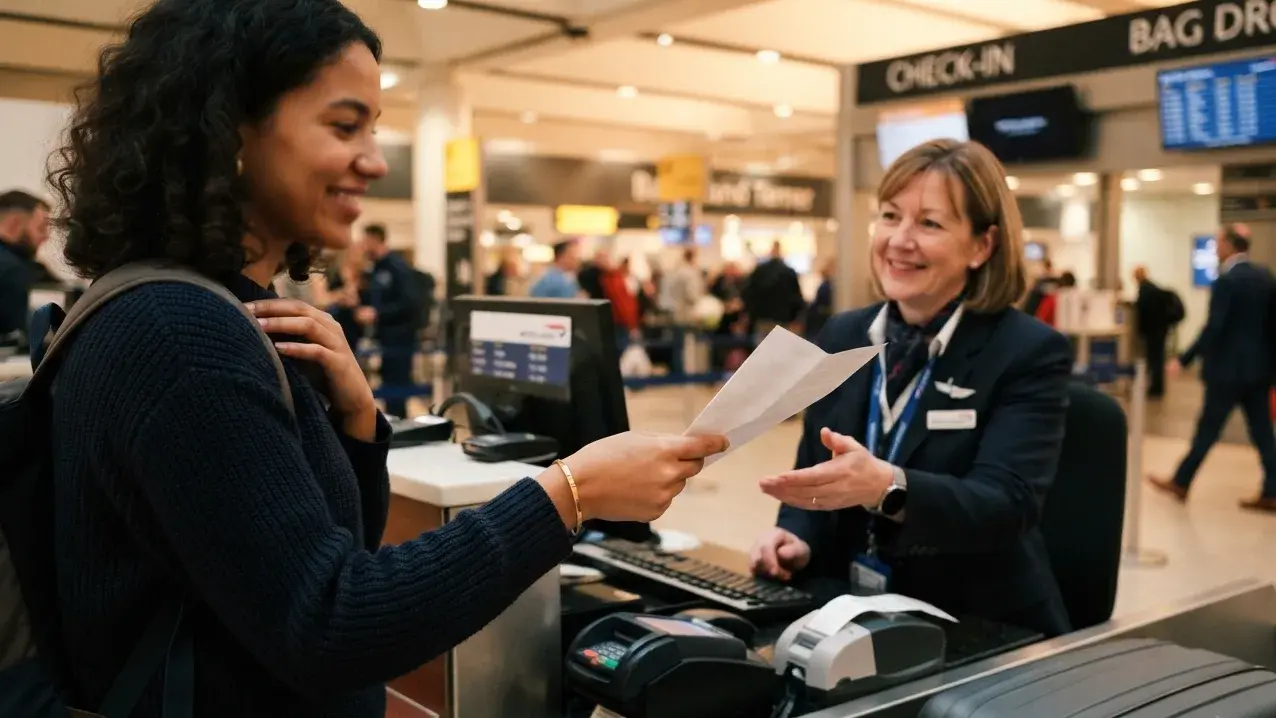
You may have a valid reservation, a real booking reference and a PDF sitting in your inbox. Then a check-in agent looks at your phone and asks for paper. The request feels old-fashioned, but it is usually tied to airline risk, queue speed and internal boarding procedure.
The carrier-liability issue behind the counter
Most travelers assume printed proof is a government demand. Often, it is not. Airlines can face operational and financial trouble when they transport someone who is later refused entry. That pressure pushes staff to check passports, visas, return tickets, onward tickets and supporting documents before boarding.
The agent in front of you is not trying to decide whether your visa file is strong. They are deciding whether the airline can safely carry you. A printed document feels easier to inspect, easier to hand to a supervisor and easier to compare against a passport than a phone screen with low brightness, poor signal or a missing attachment.
This is why a request for paper can sound absolute even when the destination itself does not require paper. Staff are trained to avoid boarding risk. A clear printout removes friction from their side of the counter.
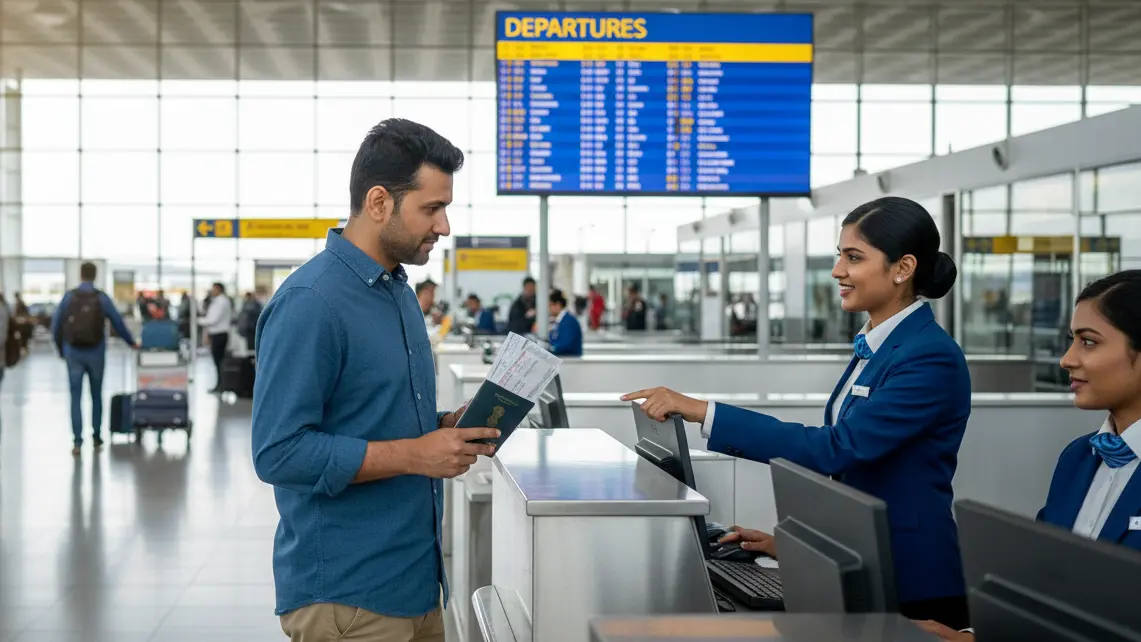
Think of the printed page as a counter-speed tool. A phone screen requires the agent to wait while you unlock the device, adjust brightness, find the attachment, zoom into the route, scroll to the booking reference and keep the screen awake. Paper sits flat on the counter. The agent can compare the name, flight number and date beside your passport without touching your phone or relying on airport Wi-Fi.
That difference becomes bigger when the queue is long, the flight is closing, or the counter is handled by a third-party team with limited authority. Staff may not have time to debate whether a PDF should be accepted digitally. They may simply ask for the format that lets them complete the check fastest.
Airline policy vs destination entry rule
Knowing whether you are dealing with an airline habit or a destination rule changes how you respond. If staff say “our airline requires it,” that is usually internal policy. If they mention the country’s entry conditions, they may be applying destination guidance. Either way, arguing that another airport accepted your phone last time rarely helps.
A better response is practical: ask what exact document they need to proceed, then provide the cleanest version possible. If paper is required, solve the printing problem. If the booking needs to be verified, show the PNR and route. If the agent is unsure, calmly ask whether a supervisor can check the reservation.
A few signals help you read the situation. If the same airline asks for paper on many different routes, you are probably seeing airline policy. If the agent refers to “destination requirements,” they may be using a country-specific checklist. If another counter nearby is accepting phone screens, the issue may be staff discretion or supervisor preference. None of those signals changes the immediate task: provide the proof in the form that moves the check forward.
The worst response is to treat the request as an insult. “But immigration accepts digital proof” may be true, but the person blocking your boarding pass is not immigration. They are the airline’s last checkpoint before the passenger is carried. Solve their checkpoint first.
Why budget carriers and ground handlers can be stricter
Printed-proof requests often appear with low-cost carriers, busy counters and outsourced ground-handling teams. A contracted staff member may check passengers for several airlines in one shift. When rules differ by route, visa type and destination, the safest operational default is to ask for printed documents.
This does not mean the staff member is being unfair. It means they are working from a checklist under time pressure. If your onward ticket is already printed, readable and easy to verify, you make their job easier and protect your boarding flow.
This is also why enforcement can feel inconsistent. One traveler may pass with a phone at noon, while another traveler on the same route gets asked for paper at night. The difference may be the staff member, supervisor, airport shift, route load, system outage or recent incident involving denied entry. Inconsistent enforcement is exactly why carrying paper is still smart even when you expect digital proof to work.
Fast rule:
- If the airline asks for paper, treat it as a logistics issue first.
- If the PNR is questioned, treat it as a verification issue.
- If the route or exit date is questioned, treat it as a travel-story issue.
Where Print Requests Happen Most
Some airports, routes and airline combinations create more printed-proof friction than others. You do not need to predict every rule perfectly, but you should know when paper is more likely to be requested.
Transit hubs with manual document checks
Large transit hubs in the Gulf, Southeast Asia and parts of Europe process huge numbers of passengers heading to different final destinations. Staff may check documents at the origin airport, again at transit, and sometimes again near the gate. A traveler can clear one desk and still be asked for printed onward proof at the next.
This matters for one-way travelers, digital nomads, visa-on-arrival passengers and anyone whose return route is not attached to the same main ticket. A printed onward ticket prevents a twenty-minute layover from turning into a scramble to buy emergency proof at airport prices.
Transit checks can be more stressful than origin checks because you have fewer alternatives. At your departure airport, you may have time to visit a print shop, talk to another counter or adjust the booking calmly. At a transit desk, boarding may already be open. The traveler who already has two printed copies is operating from a stronger position than the traveler trying to download a PDF on weak airport Wi-Fi.
This is especially relevant when the onward leg is on a separate booking. Staff may see your first ticket clearly, but still ask where you go after arrival. If that onward proof is on your phone only, you are asking the agent to accept a separate digital document under time pressure. A clean printout reduces that friction.
Long-haul carriers with conservative boarding workflows
Some long-haul carriers still rely on paper-friendly document review. Even if mobile boarding passes are normal, the document-check process may still favor printed reservations for unusual routes, separate onward tickets or passengers entering countries with stricter proof-of-exit rules.
For these routes, prepare as if paper may be requested. The cost of printing ahead of time is tiny compared with the cost of being delayed at the counter, missing a connection or being forced to buy a last-minute ticket.
Older-style workflows are not always obvious from the airline brand. A modern website and mobile boarding pass do not guarantee a fully digital document-check process at every airport. The operating station may still use paper-friendly review habits, especially where many passengers fly onward on separate reservations.
Codeshare and regional legs
Codeshare flights create a hidden risk because the airline you booked with may not be the airline operating every segment. One carrier may accept digital onward proof. The operating partner may ask for paper. The traveler only discovers the stricter rule when checking in for that leg.
If your trip includes a domestic feeder flight, regional partner, separate PNR or low-cost connecting leg, carry printed proof for the specific segment staff are likely to inspect. Do not assume the main international carrier’s policy controls every desk.
Codeshares also create a language problem. You may say “I booked with Airline A,” while the counter staff works for Airline B or a handling company representing Airline C. The agent may not care which brand sold the ticket. They care which operating carrier is responsible for carrying you at that point. That is why the printed document should be clear enough to stand on its own without requiring a long explanation of the booking chain.
What “Printed Proof” Must Show
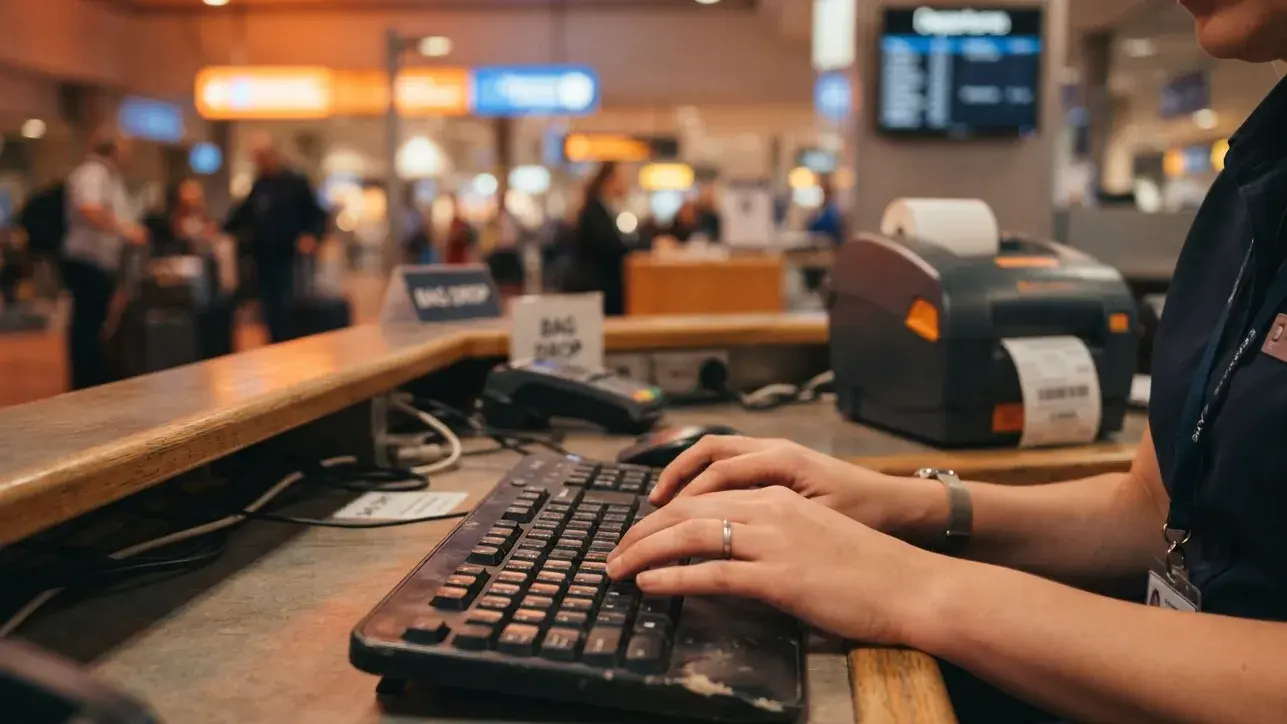
A printout only works if staff can read it quickly and verify the important fields. More paper does not automatically mean stronger proof. A short, clean PDF that shows the right information is usually better than a six-page itinerary full of fare rules and baggage notes.
Barcode and QR clarity
A blurry barcode can turn a simple scan into manual lookup. The most common cause is printing from a screenshot instead of the original PDF. Screenshots compress details, crop edges and make codes harder to scan. Printing from a phone browser can also shrink the document until the barcode sits too close to the page margin.
Before printing, open the original PDF. Check the preview. Confirm the barcode or QR code is sharp, complete and not cut off. If the code crosses a fold line, reprint the page or fold it somewhere else.
Do not shrink the page aggressively to save paper. A tiny barcode, faint text or compressed route table defeats the purpose of printing. Use normal scale, black ink that is dark enough to read, and a page size the airline staff can handle quickly. If the printer offers “fit to page,” check that it does not crop the right edge where barcodes and booking references often sit.
Full itinerary or confirmation page?
For a straightforward onward flight, a confirmation page is usually enough because it gives staff the passenger name, flight number, route, date and booking reference in one place. A full itinerary is useful when your onward proof includes multiple segments, a connection, or a route that is not obvious from one page.
The goal is not to overwhelm the counter with paper. The goal is to make the proof fast to review. If the onward route has several pages, keep the page that shows your name, the flight/date/route page, and the page showing the PNR or booking reference. Fare rules, baggage conditions and generic terms rarely help at check-in.
For multi-city tickets, three pages usually beat seven. Staff do not need the marketing email, fare conditions, baggage upsell, airport-map screenshot or payment-advertisement footer. They need the pages that prove identity, route and active booking. If the document is long, mark the relevant segment with a small note or highlight so the counter staff does not have to search.
Be careful with over-editing the PDF, though. Removing irrelevant pages is different from altering the actual reservation details. Do not modify names, dates, flight numbers or booking references after the document is generated. The safest printout is clean and trimmed, not edited.
Ticket, reservation and PNR clarity
Some travelers print an early confirmation email that does not include a finalized booking reference. That is risky. Staff are usually looking for a reservation they can connect to a live record, not a generic order acknowledgement.
Your printed proof should show:
- Passenger name exactly as shown on the passport.
- Flight route, date and departure time.
- Booking reference or PNR in a readable position.
- Airline name, flight number and destination.
- Current document version after any date or route change.
If you need to understand the wider travel-document logic behind flight proof, this visa flight itinerary requirements guide is useful for the visa-side context. For this DummyFlights page, the focus is the airline-side moment: can your ticket onward be printed, read and verified fast enough at the counter?
Printed proof should answer five questions fast:
- Who is traveling?
- Where are they leaving from and going next?
- When is the onward departure?
- Which airline and flight number are involved?
- What booking reference lets staff verify the record?
Where to Print When You Are Already at the Airport
Realizing you need paper thirty minutes before boarding closes is stressful, but most airports still have options. The key is to move quickly and avoid wasting time arguing over why a digital copy should be enough.
Airport business centers and copy shops
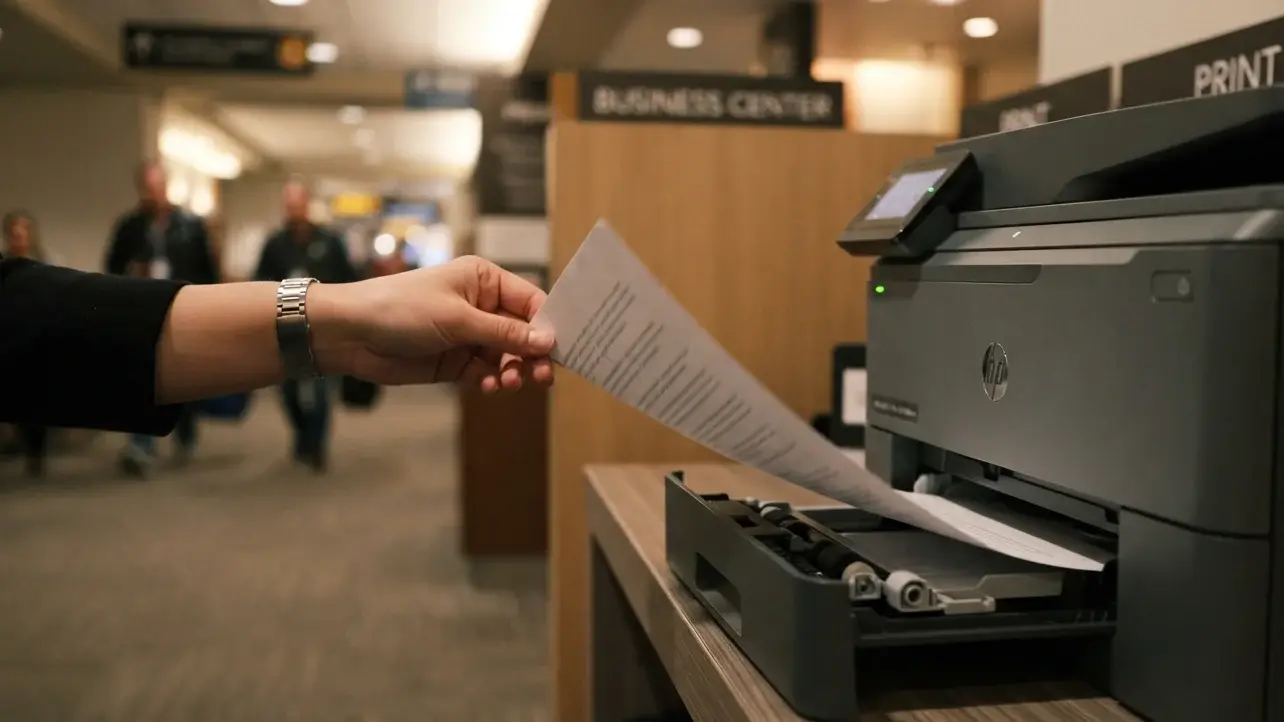
Larger airports often have printing services inside business centers, lounges, copy shops, luggage-storage counters or travel-service desks. They may charge more than a normal print shop, but the point is speed. Ask airport information where the nearest printing service is, not whether printing is possible somewhere in the terminal.
Have the PDF ready before you arrive at the desk. If you need to email the file, send the original PDF instead of screenshots. Confirm the printout is readable before walking back to the airline counter.
If the airport is unfamiliar, do not wander randomly. Ask the information desk, lounge reception, airline sales counter or security staff where printing is available. Use direct wording: “I need to print one travel document before check-in closes. Where is the fastest printer?” That question usually gets a more useful answer than “is there a business center here?”
Hotel and lounge printers
If you are near an airport hotel or lounge before a connection, print there. Hotel reception desks and lounge staff are often more flexible than airline counters because printing is part of their normal guest support. This is especially useful during a layover when you suspect the next desk may ask for onward proof.
A layover hotel can be the smartest solution when your next flight is the one likely to trigger the check. Print the onward ticket before returning to the terminal. If your document has changed since the first departure, this is also the safest time to produce a fresh copy rather than hoping the old printout still matches the live booking.
Airline desk as a last resort
Some airline ticketing desks can print travel documents, but this depends on staff, time and policy. Treat this as a fallback, not your main plan. If you ask, keep the request simple: “I have the PDF and booking reference. Is there any way to print the onward ticket here so you can review it?”
Do not assume the check-in counter and ticketing desk have the same permissions. The check-in agent may not be allowed to print outside documents, while the sales desk or supervisor may have a printer connected to their workstation. If the first answer is no, ask where documents can be printed rather than asking the same person to break their procedure.
What If You Cannot Print Before Boarding?
If you cannot print immediately, your goal is to keep the conversation calm and practical. Staff may still accept a digital PDF, verify the PNR directly, or ask a supervisor to decide. Your wording can decide whether the situation escalates or moves forward.
Ask for the exact next step
Do not start with “but this should be accepted.” Start with “what would you need to see for this to move forward?” That question turns the agent into a problem-solver. If they need paper, ask where the nearest printer is. If they need verification, show the booking reference. If they are unsure, ask whether a duty manager can review it.
If you ask for a supervisor, do it calmly. Junior counter staff often have limited authority to override the checklist. A supervisor may be able to verify the booking directly, accept the digital PDF, or authorize a practical workaround. The tone matters because you are not trying to win an argument; you are trying to get someone with authority to review a valid travel document.
Emergency sharing options
Some counters can print from a staff email, a nearby ticketing desk or a supervised computer. This is not guaranteed, but it works more often when you are polite and ready. Keep the PDF saved offline on your phone, not buried in an email search. If the agent offers a staff email, send the PDF immediately and confirm the file name is clear.
Rename the file before travel if possible. A file called “onward-ticket-singapore-jan-18.pdf” is easier to identify than “download-4.pdf.” If a staff member asks you to email it, the clear file name reduces confusion and helps them confirm they printed the right document.
If boarding is denied
A denied boarding over printed proof is unusual when the underlying booking is valid, but it can happen. If it does, ask for the reason in writing. Clarify whether the airline is recording the case as denied boarding, no-show or voluntary rebooking. Get the supervisor name if possible. This documentation matters if you need to dispute the decision or explain the situation to another airline.
Stay factual in that moment. Ask: “Can you please note the exact document issue that prevented boarding?” This keeps the discussion focused on the operational reason instead of emotion. If you later buy a new ticket, rebook or file a claim, the written reason is more useful than a memory of the conversation.
Booking Proof That Survives Paper Checks
The strongest printed proof starts before the printer. If the underlying booking is weak, expired or mismatched, a beautiful printout will not save it. A good onward ticket should be built to survive both visual review and system lookup.
Verifiable beats pretty
Gate staff increasingly check the booking reference, not just the page design. A printout works best when it points to a real reservation that can be found through the airline’s own system. That is the difference between a document that looks convincing and a document that actually holds up.
If you are comparing proof options, a dummy ticket should be understood as temporary travel proof with realistic trip details, not a fake screenshot. For printed-proof situations, the live PNR and accurate fields matter more than decorative formatting.
A printed page that cannot be verified creates a worse problem than having no paper at all, because it invites the agent to look harder. If the PNR fails, the staff member may start checking every other detail more carefully: date, route, name, visa condition and return plan. That is why the booking behind the document matters more than the visual polish of the PDF.
Name and passport-field matching
Even a verifiable reservation can slow you down if the passenger details do not match the passport. A missing surname, abbreviated given name, wrong passport number or outdated document detail can trigger additional questions at exactly the wrong moment.
Before printing, compare the PDF against the passport page. Check name order, spelling, middle names, date of birth, passport number and issuing country if shown. If the booking was created before a passport renewal, make sure the document still matches your current passport.
Name issues are especially common for travelers with one-word names, long surnames, hyphenated names, multiple given names or passports that display names differently from airline forms. If the booking platform forces a format that does not perfectly match the passport, keep the rest of the document especially clean and be ready to explain the name format calmly.
Flexible dates matter when plans shift
A printed ticket becomes weak the moment the date no longer matches the live booking. If your visa appointment moves, your route changes, or the airline adjusts a flight time, print a fresh copy. Date flexibility is valuable because it lets you keep the document aligned with your real travel plan rather than carrying an outdated page.
This is especially important for travelers using a dummy ticket for visa and then later adjusting travel dates after approval, appointment movement or itinerary changes. The paper copy should always represent the current plan, not the first draft.
Printed proof becomes most powerful when the document, digital record and spoken answer all match. If the agent asks, “When are you leaving?” your answer should match the exit date on the printout. If the printout says Tuesday and you answer Friday, the issue is no longer printing. It becomes consistency.
Need a printable onward ticket that matches your trip? Prepare a clean DummyFlights document with route, date and passenger details ready before the airline counter asks.
Create Your Onward TicketRegional Printing Patterns
Printed-proof pressure differs by route. Sometimes the destination is strict. Sometimes the airline is strict. Sometimes the transit desk is stricter than both. The safest approach is to prepare paper whenever your trip includes a one-way route, separate onward leg or destination known for proof-of-exit questions.
Schengen-bound flights
Schengen routes often produce tighter airline checks because carriers do not want to transport inadmissible passengers. The printed document may not be demanded by the border officer, but the airline may still want a clear proof trail before boarding. A one-way traveler entering Europe and exiting later to another region should carry onward proof that matches the allowed stay and route logic.
The important detail is that the airline may enforce before the border ever sees you. You can have a strong visa and still face document questions at departure if the carrier wants to confirm exit logic. This is why a printed onward ticket should be treated as boarding support, not just immigration support.
Gulf and Southeast Asia transit
Gulf and Southeast Asian hubs often process large numbers of passengers with mixed visa rules, onward destinations and separate bookings. Staff may over-enforce because it is faster to ask for paper than to interpret every country’s latest rule at the desk. If your route passes through a major hub, keep the printout easy to reach.
Manual document desks in these hubs often see passengers with one-way tickets, onward bus routes, separate low-cost flights, hotel-only plans and visa-on-arrival intentions. From the staff side, paper is a fast filter. If your proof is organized, you pass through that filter more smoothly.
Visa-on-arrival destinations
Some visa-on-arrival destinations may accept digital proof at immigration, while the airline still asks for paper before departure. That mismatch is frustrating but common. Researching destination rules is useful, but airline boarding rules can still create the practical requirement you face at the counter.
This is also where travelers misread the risk. The destination may be flexible, but the airline may not be. A traveler who says “the country accepts phone proof” may be correct and still fail the airline’s local boarding process. The simplest defense is to carry the printed copy anyway.
Pre-Departure Print Routine
The easiest printed-proof problem to solve is the one you never allow to happen. Build a short routine into the 48 hours before departure, especially if you are traveling one-way, on a separate onward booking, or through a route with manual document checks.
48-hour print checklist:
- Confirm the onward reservation is still active.
- Check that the route and exit date still match your trip.
- Open the original PDF and confirm the barcode is sharp.
- Print two copies at normal scale, not from a screenshot.
- Store copies in separate places in case one is damaged or handed over.
- Reprint immediately after any date, flight number, airport or passport-detail change.
Carry two copies
One copy is enough until it is not. A second copy helps when a transit desk asks again, a supervisor keeps the first copy, a page gets damaged, or two different staff members ask to inspect documents at the same time. Two copies cost almost nothing and remove a real travel-day risk.
Store the second copy separately. If both copies sit in the same folder and that folder gets wet, lost or handed to staff, you have not reduced much risk. Keep one copy with the passport documents and another in a carry-on pocket you can reach quickly.
Protect the printout
Store the printout in a folder or plastic sleeve. Do not fold across the barcode. Keep it away from water bottles, food, damp clothing and direct friction inside a backpack. A document that looked fine at home can become hard to scan after a full day of travel if it is creased or smudged.
If you are traveling through humid weather, rain, beach destinations or long airport transfers, protect the paper the same way you protect your passport. The document does not need special treatment, but it should remain readable until every airline and border conversation is finished.
Common Printout Mistakes
Most printed-proof problems are not caused by the concept of onward travel proof. They are caused by small execution mistakes: old PDFs, wrong pages, mismatched names or unclear booking references.
Printing an outdated version
This is the biggest mistake. A traveler prints the reservation, later changes the onward date, and forgets to print again. At check-in, the paper shows one date while the live booking shows another. The booking may be valid, but the mismatch creates doubt.
Treat every booking edit as a print trigger. If the date, time, airline, airport, passenger detail or route changes, print again.
This applies even to small changes. A flight number change after an airline schedule update may look minor to you, but staff comparing the paper against the system may pause if the numbers do not match. A fresh printout prevents that pause.
Handing over the wrong document
Travelers carrying return tickets, domestic flights, bus tickets, ferry bookings and onward proof can easily hand over the wrong page. Label documents before departure. Keep the onward proof in the section of your folder you can reach quickly. Before handing anything to staff, glance at the passenger name, route and date yourself.
This is common for digital nomads and long-trip travelers because they often carry several future bookings. A return ticket, regional exit ticket and accommodation confirmation may all look similar when folded. A simple label like “onward flight from Bangkok to Singapore” can prevent the wrong document from reaching the counter.
Printing proof without a usable PNR
A document that lacks a clear PNR or booking reference is weaker at the counter. Staff need something they can search or scan. If your printout shows only an order number, invoice number or generic confirmation number, verify whether that number actually works with the airline before relying on it.
If the booking reference works on the airline site or the airline’s manage-booking page, the printed document is stronger. If the reference only works on a third-party checkout page, staff may not treat it as enough. The point of the PNR is not decoration. It is the bridge between paper and a live booking record.
What to Say at the Counter
Your words matter because counter staff are trained to listen for risk. You do not need a speech. You need short, factual answers that help the agent verify the document and move forward.
The best counter conversation is boring. You show the passport, provide the printed onward ticket, confirm the exit date and let the agent check the record. Long explanations create more surface area for confusion. The printout should do most of the work.
Use solution language
Better phrases include:
- “I have the onward ticket PDF and booking reference here.”
- “Would you like the printed copy or the PNR first?”
- “If paper is required, where is the nearest place I can print this?”
- “Can a supervisor verify the booking reference if printing is the only issue?”
Avoid suspicious wording
Avoid phrases that make the document sound disposable, fake or unrelated to your trip:
- “I am not actually using this ticket.”
- “It is only for formality.”
- “I will cancel it after arrival.”
- “Can you just accept it?”
Keep the focus on the document: route, date, name, booking reference and exit plan. A calm, prepared tone turns the agent’s role from gatekeeper into problem-solver.
If the agent asks why you need an onward ticket, keep the answer normal: “It shows my planned exit from the destination.” If they ask whether you will use it, do not invent a story. Keep the answer tied to your current travel plan and the document in front of them. The more consistent your words are with the printed page, the less reason staff have to keep digging.
Getting Through the Counter With Paper That Holds Up
A printed-proof request feels stressful because it is unexpected, not because it is complicated. Once you understand that it usually comes from airline risk control, the fix becomes clear: carry a current printout, make the PNR readable, match the passport, and keep the exit story simple.
A strong onward ticket does not need to look dramatic. It needs to be clean, current, verifiable and easy to explain. If the airline asks for paper, hand them a document that answers the question before the conversation becomes a problem.
Flying a route where staff may ask for printed onward proof? Create your DummyFlights onward ticket before departure and keep a clean copy ready for the airline counter.
Create Your Onward TicketFrequently Asked Questions
Do airlines really require printed onward tickets?
Some airlines and airport ground handlers still ask for printed onward proof, especially on one-way routes, transit-heavy itineraries and destinations with stricter entry checks. It may be airline policy rather than a government rule, but you still need to solve it at the counter.
Is a digital onward ticket enough?
Sometimes yes, but not always. A digital PDF may be accepted when staff can read and verify it quickly. If the airline asks for paper, a printed copy is usually the fastest way to keep check-in moving.
What should a printed onward ticket show?
It should show your passport-matching name, route, travel date, airline, flight number and booking reference or PNR. If it has a barcode or QR code, the code should be sharp and uncropped.
Should I print the full itinerary or one page?
For simple routes, one clean confirmation page is usually enough. For multi-city or connecting routes, print the pages that show passenger details, the relevant flight segment and the PNR. Avoid adding unrelated fare-rule pages unless they help clarify the route.
Can I print from a screenshot?
It is better to print from the original PDF. Screenshots can blur barcodes, crop edges and make the document harder to scan. Use screenshots only as a last resort.
What if I changed my onward date after printing?
Print a fresh copy immediately. The paper version should match the live booking. An old printout with a different date can create unnecessary questions even when the booking itself is valid.
Can airport staff print my onward ticket for me?
Sometimes. Airport business centers, lounges, hotels, copy shops and some airline desks may help. Keep the PDF saved offline and ready to send if staff offer a printing option.
Is an onward ticket the same as a return ticket?
No. A return ticket usually shows travel back to your origin country. An onward ticket shows travel from the destination to another country or permitted next stop. Both can support exit proof depending on the route and entry rules.
Can a printed onward ticket guarantee boarding?
No. Boarding depends on airline policy, destination entry rules, visa status, passport validity and staff assessment. A clean printed onward ticket helps answer one important document question, but it does not guarantee boarding or entry.
When should I print my onward ticket?
Print it within 48 hours of departure and reprint after any change to date, route, flight number, airport or passenger details. Carry two copies if your trip includes transit or multiple document checks.
Friendly reminder: DummyFlights provides temporary travel-proof documents for planning and application support. Requirements vary by destination, airline, route and applicant situation. A dummy ticket can support a file, but it does not guarantee approval, boarding or entry.