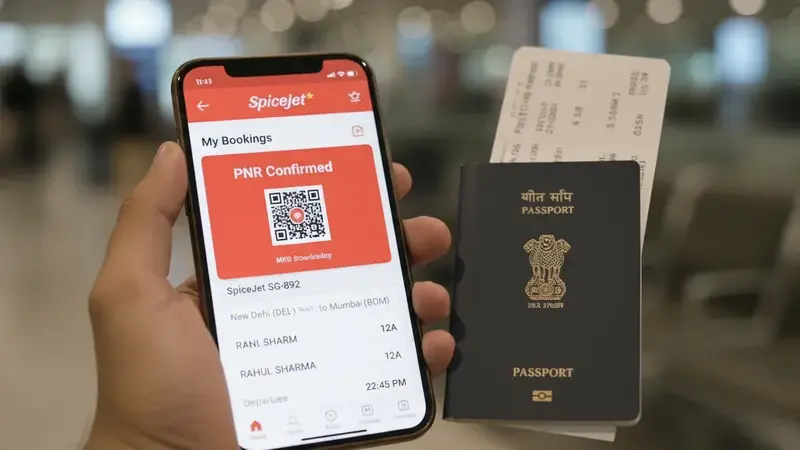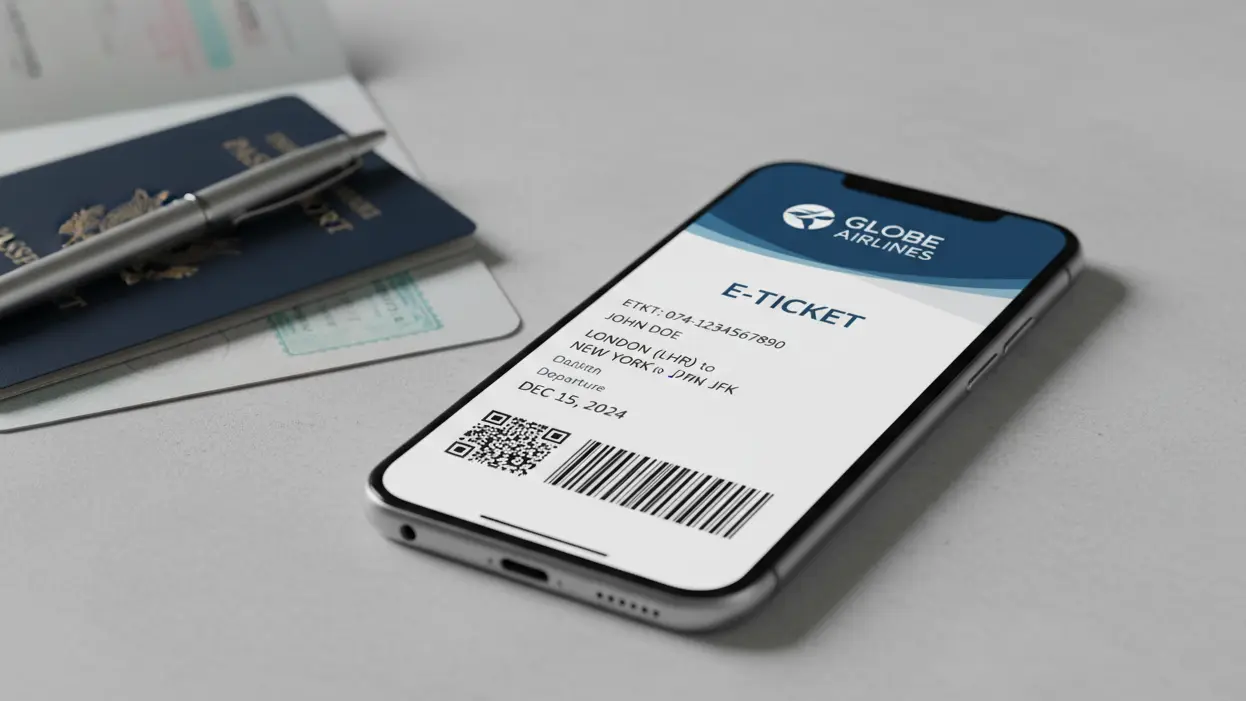

Singapore visa and entry checks move fast until one small identity detail slows everything down. A swapped surname, missing middle name, old passport number or compressed spelling can make a clean file look like it belongs to a slightly different person.
This guide focuses on the fields that matter most on a dummy ticket for Singapore travel proof: what must match the passport exactly, what must stay consistent with the visa form, and what can be flexible without creating a messy file.
Key facts before preparing Singapore travel proof:
- ICA says visitors need a valid passport with at least six months validity.
- Singapore entry requirements include confirmed return or onward tickets where applicable.
- A valid visa is pre-entry permission and does not promise entry.
- Short-term visitors may also need sufficient funds and entry facilities to onward destinations.
- Your dummy ticket should match passport identity and the travel dates used in the file.
Need Singapore travel proof with passport-matched details? Create a clean dummy ticket with DummyFlights after your passport, arrival date, return or onward plan and visa details are stable.
Create Your Dummy TicketIn This Guide
The Passport-Match Map for Singapore Dummy Tickets
Before you worry about routes or dates, lock the identity layer. For Singapore travel proof, the fastest way to create friction is a dummy ticket that describes almost the same person but not exactly the same person.
The exact-match fields
These fields should mirror the passport or the application source of truth with zero creativity. If the dummy ticket PDF shows them, treat them as non-negotiable.
- Full name: match the passport spelling, order and name parts as closely as the booking format allows.
- Date of birth: a different date format is fine; a different number is not.
- Nationality: do not confuse nationality with residence or current location.
- Sex marker: keep it consistent with the passport and visa file where the field appears.
- Passport number: if the document field appears, it must match the passport used for the application.
A simple rule works well: if the field can uniquely identify the traveler, it should match the passport or application record exactly.
Machine-readable name style
Many booking systems output names in uppercase, remove accents, drop punctuation or compress spacing. That does not automatically make the dummy ticket wrong. The safer reference is the passport’s machine-readable logic, not only the decorative name line on the photo page.
Watch for swapped surname and given-name order, missing second given names, hyphens that disappear, apostrophes that drop, and multiple surnames split differently across documents. These issues are small until they appear in three different ways across the same file.
For clean Singapore travel proof, build one reusable passenger-name string before you create the reservation. Use the passport as the source of truth, then keep the same spelling, spacing and name order across the dummy ticket, visa form, stay proof and any supporting note. The goal is not the prettiest name display. The goal is one identity that survives quick comparison.
The consistency-match fields
Some fields do not need passport-level precision, but they must match the visa form and supporting packet. These include name splits, issuing country abbreviations, document type choices, contact details and address lines when shown.
| Field | Clean signal | Weak signal |
|---|---|---|
| Name split | Same surname and given-name logic across form and ticket. | One file reverses roles or drops a name part. |
| Issuing country | Same passport authority or country logic. | Nationality and residence are mixed up. |
| Document type | Passport shown consistently. | Casual substitution such as generic travel document. |
| Contact details | Email and phone align with the application packet. | Several unrelated contacts appear across documents. |
| Address | Same profile if the field appears. | Last-minute variations look like separate profiles. |
Low-stakes fields that still trip people up
Titles such as Mr, Ms or Mx rarely decide anything alone, but avoid letting them create conflict. Contact details do not need to match the passport, but they should not look like unrelated profiles. Address lines may not appear on the dummy ticket at all; if they do, keep them consistent with the application file.
These are cleanliness fields. They usually do not prove identity, but messy versions can make the file feel careless.
Email and phone details are especially easy to ignore because they are not passport fields. Still, a Singapore file looks cleaner when the contact layer stays stable. Avoid using one email on the form, another on the dummy ticket and a third inside a supporting document unless there is a practical reason. Small profile drift can make a simple tourist file feel unnecessarily complicated.
Fix the passport data, form or reservation?
When something does not match, choose the fix path quickly. If the passport is correct but the reservation is wrong, fix the reservation. If the visa form was entered incorrectly, fix the form and regenerate the dummy ticket if needed. If the passport itself has an unusual name layout, do not create a preferred spelling that the passport does not support.
Fix priority:
- Name order and spelling.
- Date of birth.
- Nationality and sex marker.
- Passport number if shown.
- Travel dates and Singapore route.
- Return or onward proof.

Build a Dummy Ticket That Survives Uploads and Date Changes
Once the passport-match rules are clear, the next win is process. A clean workflow prevents copy-paste errors, old PDF versions and date drift from entering the final file.
Step 1: extract safe passport text
Use the passport as the identity source. Write the name, passport number, nationality, date of birth and sex marker into one working note. Do not type from memory. Do not rely on an old booking profile. If the passport was renewed, rebuild the note from the new passport.
Keep this note boring and exact. Write the full passenger name once, then reuse it. If your passport includes accents or punctuation that the booking system removes, keep the plain version consistent everywhere the reservation is discussed. If your passport has multiple surnames or a second given name, do not let one document include it and another quietly drop it.
Common copy mistakes include typing a decorative passport name line in one place, using machine-readable style in another, expanding initials in a support letter, or adding a middle name because you commonly use it even though the passport does not. These are not strategy problems; they are avoidable data-entry problems.
Step 2: choose an itinerary pattern
For Singapore, short tourist routes are usually easiest to review when the entry and exit plan is obvious. A simple return route works well for a short visit. An onward route can work when the next destination is clear. A multi-city regional plan should not hide where the traveler goes after Singapore.
- Short Singapore-only trip: keep route and stay length simple.
- Singapore plus Malaysia or Indonesia: show onward logic clearly.
- Transit-sensitive route: make onward ticket and entry facilities easy to understand.
- Family travel: keep all names and dates aligned across travelers.
Run a quick story match before generating the dummy ticket. Does the arrival date match the date used in the travel file? Does the exit date support the length of stay? Do the city pairs match the stated Singapore plan? Are the connections realistic, or does the route look like a random computer-built itinerary?
If your plan is a clean Singapore city stay, avoid a route that lands for a few hours and immediately pushes the traveler to a third country unless that is truly the plan. It may still be a possible booking, but it forces the file to explain more than it needs to explain.
Step 3: audit the PDF like a case officer
Open the dummy ticket and scan it quickly. The passenger name, route, arrival date, departure or onward date and booking reference should be visible without effort. If the file needs zooming, guessing or explanation, fix it before upload or handoff.
A two-minute audit is enough if you use separate passes. First scan only identity: name, date of birth, nationality, sex marker and passport number if shown. Then scan only timeline logic: arrival date, exit date, overnight segments and stated stay length. Finally scan only geography: Singapore arrival, return or onward destination, airport codes and connection logic.
Singapore dummy ticket audit:
- Name matches the passport.
- Passport number is correct if shown.
- Arrival date matches the travel file.
- Return or onward date is visible.
- Route makes sense for the stay length.
- PDF opens clearly on phone and desktop.
- Old drafts are removed.
Step 4: date changes without drift
If dates change, update the entire travel story. Do not only replace the dummy ticket. Check the visa form, SG Arrival Card timing if relevant, hotel or stay plan, onward proof and any supporting note. One corrected document beside two old documents still looks inconsistent.
Date drift is common when applicants generate travel proof early, then adjust flights, hotels or arrival plans later. The safest workflow is to keep one final folder and remove old files before submission.
Before changing dates, write down the anchor fields from the current PDF: passenger name line, route pattern, segment count and booking reference if shown. After the new dummy ticket is generated, confirm those anchors did not quietly change. A date update should not swap surname order, remove a middle name or turn a simple route into a different trip.

Mismatch Traps That Actually Cause Problems
Most Singapore dummy ticket problems are not dramatic. They are small identity or date mismatches that make the file look less trustworthy.
Name mismatches
Name mismatch is the silent engine of travel-proof problems. A missing middle name, reversed surname order or inconsistent spacing can create doubt. If the booking system compresses names, keep the compression consistent and defensible. Do not create a different name style in every document.
Special characters and transliteration
Diacritics, apostrophes and hyphens may disappear in booking systems. That can be acceptable when the underlying name logic is still clear. The risk appears when one document keeps the mark, another removes it, and a third changes the spelling entirely. Pick the passport-supported version and keep the file consistent.
This matters for travelers whose passports show transliteration history or non-English name patterns. Do not improve the spelling for readability if the passport supports a different version. The cleanest Singapore file uses one practical spelling across the dummy ticket, application details, stay proof and supporting explanation.
Passport renewal mid-process
If the passport is renewed or replaced, rebuild the dummy ticket using the new passport details. Do not leave an old passport number on travel proof attached to a new passport biodata page. If the application has already started, make sure any updated document follows the same travel story unless the route also changed.
Renewals can create two different identities inside one folder: old passport number on the travel proof and new passport number on the biodata page. If the dummy ticket shows a document number field, regenerate it. If it does not show a passport number, still confirm the name format did not change between the old and new passport.
Date and route inconsistencies
Singapore entry requirements can include confirmed return or onward tickets where applicable, so the exit plan should not be vague. A dummy ticket that shows a return after the stated stay period, or an onward route that does not match the travel plan, can weaken the file. Make the exit date easy to find.
The same logic applies when financial documents, accommodation proof or a travel note supports a certain trip length. If the file suggests a short Singapore stay but the ticket shows a much longer or unclear timeline, the story stops matching. The dummy ticket should make the travel plan easier to understand, not create a second version of it.
Real-world scenarios
- Passport says “Amit Kumar Patel,” dummy ticket says “Patel/Amit” — usually understandable if consistent.
- Passport says “Maria-Jose,” dummy ticket says “Maria Jose” — often manageable if no other document changes the spelling.
- Passport renewed after the first booking — regenerate the dummy ticket if passport details appear.
- Singapore plus Bali onward route — onward proof should show where the traveler goes next.
- Family trip — every traveler needs their own correct name and date alignment.
Exceptions and Uncommon Cases
Single-name passports
Single-name passports can create booking-system problems because many systems expect surname and given-name fields. Use the format that best reflects the passport and stays consistent across the application. Do not invent a second name just to make the fields look normal.
Dual nationals and multiple passports
Use the passport tied to the visa or entry process. Do not generate the dummy ticket with one passport identity and submit another passport page. If the traveler holds multiple passports, the file should make clear which passport is being used for Singapore entry.
Infants, minors and family groups
Every traveler, including infants, should have identity details that match their passport. Family bookings can hide individual name errors because the route looks shared. Check each passenger line, not only the lead traveler.
For minors, pay special attention to parent or guardian references in supporting documents. A family group can look organized at first glance, but one shortened child name, one wrong birth date or one mismatched passport number can slow the whole file. Keep a simple family audit sheet with one row per traveler before generating the final PDFs.
Multi-city trips and open-jaw returns
Singapore often appears inside a regional travel plan. Open-jaw or onward travel can be clean when the route answers the obvious question: where does the traveler go after Singapore? If the next country requires entry facilities, keep that proof consistent too.
Complex routes are not automatically weak. They become weak when they look accidental. A Singapore plus Kuala Lumpur, Bali or Bangkok plan can be easy to understand if the dates and onward destination are visible. A route with tight transfers, unexplained backtracking or a departure city that contradicts the stay plan forces the reviewer to solve a puzzle.
The too-perfect problem
Over-engineered reservations can invite questions. Do not add fake-looking details, unnecessary fields or overdesigned graphics. A clean dummy ticket should look like practical travel proof, not a persuasive poster.
Singapore Tourist Visa Requirements: Keep the File Clean and Consistent
A Singapore dummy ticket should make the file easier to review. It should not create identity confusion, date drift or exit-plan uncertainty. The passport layer comes first. The route comes second. The supporting documents should follow the same version of the trip.
Final Singapore file check:
- Passport has at least six months validity where required.
- Name on dummy ticket follows the passport-supported version.
- Passport number matches if shown.
- Arrival and departure or onward dates are consistent.
- Return or onward proof is visible where applicable.
- Contact and address details do not create separate profiles.
- Only one final dummy ticket PDF is used.
The aggressive move is precision. A passport-matched dummy ticket signals preparation without overclaiming. It tells the same travel story as the visa file, the entry requirements, the onward plan and the traveler’s own passport.
Ready to prepare Singapore travel proof? Create a clean dummy ticket with DummyFlights after your passport details, arrival date and return or onward plan are final.
Create Your Dummy TicketFrequently Asked Questions
Do I need a dummy ticket for a Singapore tourist visa?
Singapore entry requirements include confirmed return or onward tickets where applicable. A dummy ticket can support travel-proof consistency when it matches your passport, visa file and route.
What dummy ticket fields must match my passport?
Name, date of birth, nationality, sex marker and passport number if shown should match the passport or application record as closely as the booking system allows.
Is a valid Singapore visa enough to enter Singapore?
No. ICA says a valid visa is pre-entry permission and does not guarantee entry. Visitors must still satisfy entry requirements at the checkpoint.
Can my dummy ticket use a compressed name format?
Yes, booking systems may compress names or remove punctuation. The important point is that the name remains clearly traceable to the passport and consistent across the file.
What if I renew my passport after creating the dummy ticket?
If passport details appear on the dummy ticket, regenerate or update the document to match the new passport before using it in the final file.
Is onward proof important for Singapore?
It can be. ICA and MFA list confirmed onward or return tickets where applicable, plus entry facilities to onward destinations. Make your exit or onward plan visible.
What makes a Singapore dummy ticket look risky?
Risk rises when names are mismatched, passport numbers are old, dates drift, the route is unclear, the PDF looks edited, or multiple ticket versions appear in the file.
Does a dummy ticket promise Singapore visa approval or entry?
No. A dummy ticket can support travel-proof consistency, but it does not promise approval, boarding or entry. The full application and official decision still matter.
Friendly reminder: DummyFlights provides temporary travel-proof documents for planning and application support. Requirements vary by destination, airline, route and applicant situation. A dummy ticket can support a file, but it does not promise approval, boarding or entry.