
Short answer: If a dummy ticket shows the wrong nationality, compare the field with the passport used for your application and ask the issuer to correct or reissue the reservation. Do not edit the PDF yourself. Confirm the current record through the issuer, then replace any submitted version through the visa authority’s permitted process. A mismatch is worth fixing, but it does not automatically mean refusal or cancellation.
Reviewed for: travelers who notice an incorrect nationality on a temporary flight reservation. Checked 12 October 2026 against current UK visitor supporting-document guidance and U.S. Customs and Border Protection passenger-data guidance. Visa and carrier rules vary by route.
Key facts:
- Nationality, country of residence and passport-issuing country are different fields.
- A booking PDF may not display every travel-document field held by the issuer.
- A reference alone does not prove a record is current, ticketed or acceptable to a visa authority.
- There is no universal 24–72-hour hold or embassy acceptance rule.
Found a nationality mismatch? Check the application passport and ask the issuer whether the existing record can be corrected. If it cannot, obtain a genuinely issued replacement that matches your intended trip.
Check a dummy ticket optionIn This Guide
How One Wrong Nationality Field Can Unravel Your Visa File
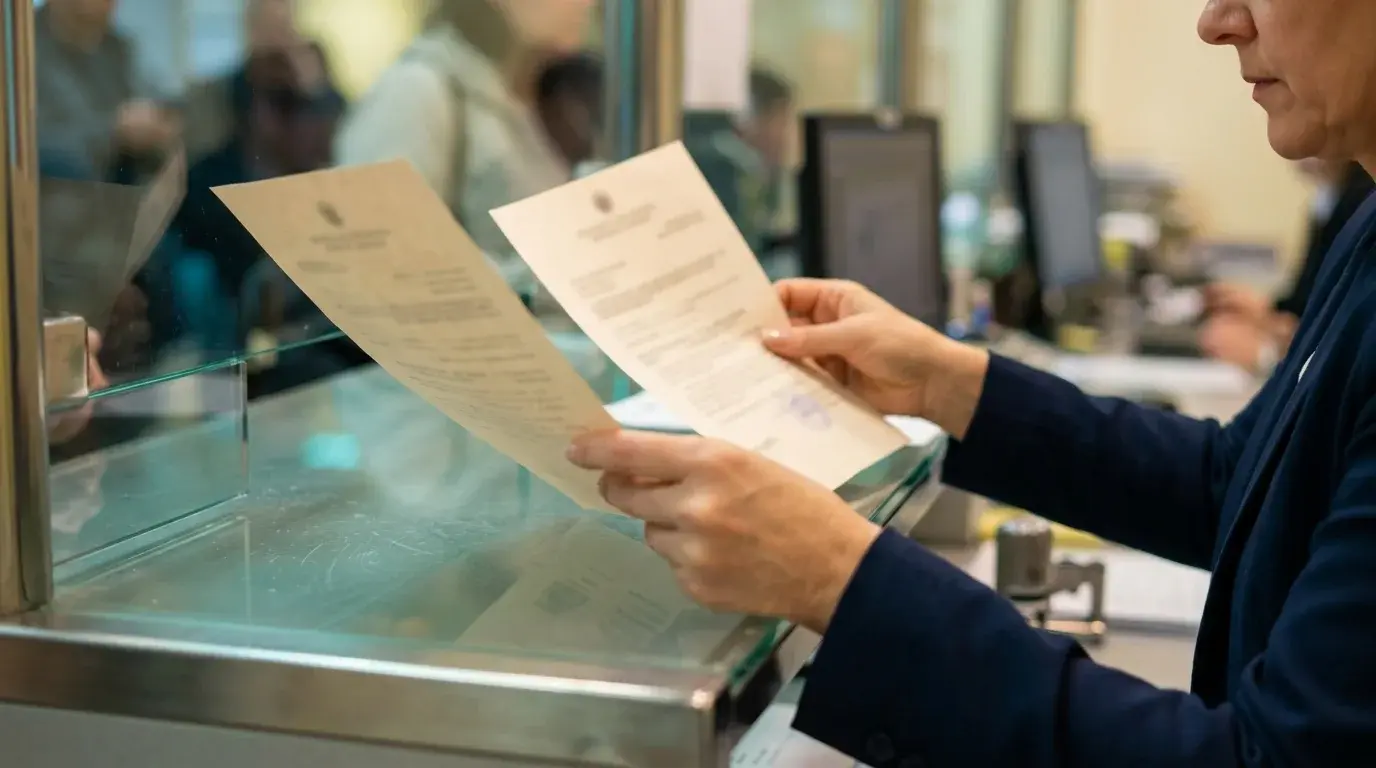
A nationality slip feels like a typing error. If you submit the booking as evidence, the field can conflict with the passport or visa form. Here is where that inconsistency can appear and how to correct it.
Where a Visa Officer Catches the Mismatch
Your passport sits at the centre of every application. Each other document must agree with it. A reviewer may compare the passport, application form and any travel evidence you were asked to provide. Do not assume every field is checked in the same way.
A visa application should present a consistent identity across the passport and any submitted booking. A dummy flight ticket is a temporary reservation. It still carries your passenger data. That data gets read like any other proof in your file.
Verification methods vary by authority and are not generally public. If the booking itself displays a different nationality from the passport used in the application, correct that visible mismatch before submission.
Check these fields yourself before submission:
-
Passenger name spelling, including middle names
-
Nationality as shown on the passport data page
-
Travel dates against your appointment date and cover letter
-
Departure city against the address you declared
A discrepancy may prompt questions or a request for a corrected document. It does not by itself establish a refusal or a particular processing delay.
A nationality mismatch is worth fixing promptly, but do not assume a single typo has a universal visa outcome. The applicable checklist and the rest of the file matter.
Picture Daniel Brooks, an Indian passport holder planning a trip from Mumbai to Rome. His reservation form kept the nationality from a previous booking, so it showed a different country. His passport says otherwise. His submitted documents now show conflicting identity details that he should reconcile.
Three habits cause most of these errors:
-
Autofill that repeats the nationality from an earlier booking
-
Copying a family member's reservation as a template
-
Rushing the form on the same day as the appointment
Each one is easy to avoid once you know it exists.
Mistakes also creep in through drop-down menus. Many forms list nationality and country of residence side by side. Applicants living abroad often pick their residence by accident. Use the citizenship associated with the passport controlling the application; country of residence is a separate field.
Spelling matters here too. Use the nationality or citizenship option that corresponds to the passport used for the application, allowing for the booking system’s standardized country label. Slow down for sixty seconds and read the passenger block aloud.
Group applications add another layer. When several travellers apply together, one wrong field can repeat across every reservation. Check each person separately, even if the names look alike.
Dual citizens face an extra trap. Use the passport that controls the application as the booking’s identity reference, while disclosing any other citizenship where the visa form asks for it.
An incorrect nationality on a submitted temporary reservation can create an avoidable inconsistency. The issue is the inaccurate field, not the mere use of a temporary reservation where permitted.
Hold periods vary by issuer and booking. Check the nationality field as soon as the current document arrives, and ask the issuer for its actual deadline.
What Airlines Do With Passenger Data That Does Not Match
Airlines treat nationality as a travel-eligibility field. Nationality and passport information can affect travel-document checks, but the booking record and later travel-document data are not always the same field.
Incorrect nationality can affect visa requirements and travel eligibility. A passenger listed under the wrong country may appear to need a visa that the real passport does not require. The reverse can also happen.
A wrong nationality does not automatically cancel a reservation. Ask the issuer which field is wrong, whether it can be corrected, and whether a new record is needed.
Before travel, the airline may need the correct passport and nationality data to assess documentation. An unresolved mismatch can complicate check-in, but boarding outcomes depend on the route and actual documents.
Dummy tickets are not valid for boarding a plane. Still, the same careless habit follows you when you later buy a real ticket for the same trip. A clean routine now protects you then.
Consider Sophie Turner, who books a real reservation after her visa arrives. If her earlier practice record carried a wrong nationality, she may carry the same habit forward. The airline then asks for a correction at the desk, and she loses time she planned to spend on the trip.
Airline systems also compare your passenger data with their own travel-document checks. Correct data reduces avoidable follow-up, though it cannot guarantee a smooth check-in.
Why Accuracy Matters as Much as Honest Intent
Submitting misleading information on visa applications can have serious consequences. An honest typo should be corrected openly. Never alter a PDF to conceal a mismatch or claim a document is something it is not.
Deliberate misrepresentation can have serious consequences under the applicable rules. A clerical error is different; correct it through the issuer and follow the authority’s process for replacing already-submitted evidence.
Visa evidence requirements vary. Some checklists accept a genuine flight reservation; others do not request one. Where a reservation is appropriate, its details should be accurate. Your name, nationality, route, and dates all tie back to your passport and your real plan.
Think of it as a test of consistency. The receiving authority decides which type of travel evidence is useful. Whatever you submit should describe the same person and the same intended trip.
Consistency helps, but it does not replace the specific document requirements in the visa checklist.
Once you accept that accuracy is the entry requirement for your reservation, the next question is practical. How do you find and fix an error before anyone else sees it?
Fixing a Nationality Error Before You Submit Anything
The correction window depends on the issuer’s actual hold or ticketing deadline. Your goal is clear: Catch the error while the reservation can still be edited, or replace it well before your appointment.
Checking Your Booking Reference Against Your Passport
A genuinely issued temporary reservation should have an issuer-supported way to confirm its current status. A reference or PNR may be part of that process. Run it in this order, step by step:
-
Open the PDF and read the passenger block slowly.
-
Compare the name letter by letter with your passport data page.
-
Confirm the nationality matches the passport you will submit.
-
Check flight numbers, route, and travel dates against your plan.
-
Try the airline’s official manage-booking page with the appropriate carrier reference and surname; ask the issuer for another supported verification path if it does not appear.
Confirm the booking through the airline or issuer’s supported channel. A failed public lookup can mean a wrong locator, codeshare or agency reference, not necessarily a fake or expired reservation.
A reference alone does not prove ticketing, hold duration or identity accuracy. Ask the issuer to confirm the status and correct the nationality data where it is actually stored. For more detail, read Dummy Ticket Gender Marker Mismatch: How to Fix It.
Do not assume a reviewer sees the same public lookup page you do. Reconcile the submitted PDF with the issuer’s current record and the passport.
There is no universal 24–72-hour hold. Check promptly after delivery and again near any relevant submission deadline.
Take a short example. Olivia Hart plans a trip from Delhi to Madrid. She opens her PDF on day one and spots that the nationality line is wrong. After checking the issuer’s actual validity and correction options, she obtains a corrected record before submitting it.
Now imagine she had waited until the morning of her appointment. The same error would have become a rushed, stressful decision. Early checks leave more time for a correction, which may take longer than a few minutes.
Write down the reference, the passenger name, and the nationality in a note on your phone. That note gives you a quick comparison point if the portal asks you to re-enter anything.
When to Rebook a Dummy Flight Ticket Instead of Correcting
Not every error deserves a patch. Whether nationality can be amended depends on where the field is stored, the issuer and ticketing status.
Dummy tickets help avoid losing money on non-refundable flights. A temporary reservation may avoid paying a full fare before a decision, but check the replacement fee and terms before rebooking.
Rebook when any of these apply:
-
The nationality field cannot be edited
-
The name spelling is also wrong
-
The issuer’s actual deadline leaves too little time for a safe correction
-
You already submitted the old version and cannot replace it without documenting the change
The status of a dummy booking affects its associated risks for travel and documentation validation. An expired hold may not serve as current evidence. A new record is useful only if the receiving checklist permits that form of proof and the details match.
Dummy bookings should ideally match official travel documents despite being temporary reservations. Treat the word temporary as a duration, not as permission for loose data.
Ask DummyFlights.com whether it can correct or reissue the current reservation, what reference will apply, and whether a fee or deadline affects the change.
A real ticket brings fare rules and a payment you may not recover. A temporary reservation may reduce the cost of a change, subject to the provider’s terms.
Ask three questions before you decide. Can the airline edit the field at all? What is the issuer’s actual hold deadline? Has anyone else already seen the old version? If the answers point toward doubt, rebook.
A replacement has its own deadline, which the issuer should confirm. Check its current status and compare any replacement cost with the value of having an accurate document before submission.
Whatever you choose, never edit the PDF by hand. A manual change breaks the link between the document and the airline record. Only the reservation system itself should change passenger data.
Handling a Booking You Already Uploaded
Suppose you uploaded the wrong version to a portal. Act before your appointment date. Replace the file if the portal allows it. If replacement is unavailable, follow the portal or visa center’s stated process for submitting corrections; carrying a copy alone may not update an uploaded file.
Keep one clearly current version for each applicant in the final pack. Two versions with different nationality fields side by side invite questions. Remove the old one from your visa file and note which reference is current.
If your portal limits uploads, name the file clearly. Add the passenger surname and the date you created the reservation. A clear file name helps staff open the right document first, and it stops an old version from slipping back into the pack.
If staff ask, keep your answer short and factual. The first copy had a data entry error, and this one matches the passport. Ask the receiving authority which correction channel it accepts.
Keep a simple record of what you changed and when. Note the old reference, the new reference, and the reason for the swap. If anyone asks, you can answer in ten seconds without searching through emails.
Also update every document that mentions the old reference. A cover letter that quotes an outdated booking reference creates a fresh mismatch. Search your file for the old code and replace it everywhere.
Once your own booking is clean, you still need to test it against what each destination expects. Those rules differ more than most applicants assume.
Matching Your Reservation to Each Destination's Rules

Different destinations ask for different proof. Your nationality field has to stay accurate under every one of them.
Schengen, UK, Canada and UAE Compared in Practice
Schengen supporting-document lists vary by consulate and visa type; some request a travel reservation. Follow the relevant mission’s current checklist and make any submitted record accurate.
UK visitor guidance calls flight bookings generally less useful supporting evidence except for transit. Do not add one automatically; if it is specifically relevant, keep it accurate.
Canadian requirements depend on the application and document checklist. If flight details are requested or relevant, treat them as evidence: Names, nationality, and dates must all agree with your passport.
For UAE travel, check the current visa and carrier rules for your passport and route. Airline check-in may involve a separate travel-document review; do not infer a universal onward-ticket rule from this guide.
Each destination reads your data at a different moment. A visa authority may review evidence during processing, while an airline checks travel documents around departure. Accuracy has to hold across that whole stretch, not only on the day you submit.
Think of the destination as the audience for your document. A visa authority and airline have different purposes. Make your submitted evidence accurate and your later travel-document data correct. Prepare for both readers.
A quick comparison of where the data gets read:
-
Schengen: follow the mission-specific supporting-document list
-
UK: generally less useful for UK visits except transit
-
Canada: only where the application checklist or circumstances call for it
-
UAE: check current route-specific entry and carrier requirements
Choosing Between Return, Onward and Multi-Leg Reservations
Return and onward reservations show different intended routes. Use the type of evidence the current checklist requests and that matches your real travel plan.
Extra legs add extra places for a nationality slip to hide. If your intended trip is a simple outbound and return journey, keep the evidence simple. Add complexity only when your real plan needs it.
Also check how each leg handles transit. A connection through a third country still carries your passenger data. Make sure that connecting segment shows the same nationality as your first and last legs.
A round trip suits a single destination with a fixed departure city. For multi-city trips, list every leg in order. Each leg must carry the same passenger name and nationality.
Do not confuse the PDF with a boarding pass. It is not a boarding document, and it must not be presented as one. Its job is to show your plan, not to carry you through the gate.
If your route changes after you book, update the reservation instead of explaining the gap later. A mismatch between your plan and your itinerary is its own kind of inconsistency.
Take Henry Walker, who plans one trip through two countries. He lists the first leg correctly but copies the second leg from an older draft with a different nationality. The file appears to contain conflicting passenger details. One extra minute of checking would have prevented that.
Apply the same rule to every segment. Same name, same nationality, same passport. Variation belongs in the route, never in the person.
Keeping Dates, Routes and Cover Letter Details Aligned
Any flight evidence you submit should be consistent with the application form and relevant supporting documents, including dates in cover letters, accommodation or insurance where those are required.
Reconcile dates across documents without forcing unrelated documents into an artificial exact match. Explain legitimate travel-day or overnight differences clearly.
Keep your documents consistent in these four places:
-
Arrival and exit dates across every page
-
Passenger name spelling and nationality
-
Destination and route order
-
Contact details for the applicant
A booking reference can help the issuer identify a reservation. Verification methods vary; do not assume an embassy uses a public airline lookup or that a result will be instant.
Insurance deserves its own look. Your policy lists a traveller name, dates, and sometimes a nationality. If those lines differ from your reservation, you have created a second mismatch inside the same file.
Do the same with your hotel confirmation. Names should be spelled the same way everywhere, with no nicknames and no missing middle names. Small differences add up when an officer reads quickly.
Your travel plans should read as one story. A reader should be able to reconcile the trip described by the required documents without hunting for the link.
With the content settled, the last variable is timing, because a temporary reservation can lapse before the relevant document deadline.
Timing, Pricing and Final Checks Before You Submit
Good timing and honest pricing protect you from the last-minute errors that cause most corrections.
Booking Within Two Days of Your Appointment Date
Choose the booking date from the issuer’s actual validity and your real upload or appointment deadline. Two to three days is not a guaranteed window.
Book too early and the reservation may lapse before review. Book too late and you have no space to correct anything. Plan backward from the earliest upload or appointment deadline that applies to your case.
An example sequence, adjusted to the actual hold period:
-
Day one: reserve and read every passenger field
-
Before submission: verify through the issuer-supported channel
-
By the deadline: save and submit only if the checklist asks for the reservation
If your appointment or travel dates move, ask whether the reservation needs a change. Do not let old dates sit next to a new appointment.
Work with the actual rhythm of consulate days. Some applicants hand over documents at the counter. Others upload them days earlier. Your booking window must cover whichever step comes first, because you need a document that is accurate when it is actually supplied.
Leave yourself a small safety margin of a few hours on each end. A reservation that expires at noon on the day of your appointment is too tight.
What Fair Pricing Looks Like
There is no reliable universal price range. Compare the current checkout price, the issuer’s correction policy and what documentation you receive.
Look for clear pricing, a PDF that shows the PNR, and date changes without surprise fees. Ask for a supported verification method; some genuine agency records are not visible on a public airline page.
Do not confuse a legitimate reservation with a fake document. Do not submit an invented reference or altered PDF as a real booking. A genuine issuer should be able to explain the record and its current status; no document guarantees an outcome.
That is why verification matters more than appearance. A good-looking PDF alone does not establish a genuine or current record. Confirm its status through the appropriate airline or issuer channel.
Transparent payment terms also make rebooking painless. If you spot an error on day two, you want a quick replacement, not a long dispute over money.
Compare options on what you receive, not only on the number. Ask whether the PDF shows the PNR, whether the passenger data can be corrected, and whether date changes are included. A slightly higher price with those features often beats a bargain without them.
Keep the payment receipt with your file. If you ever need to show when you booked, the receipt gives you a clean timestamp.
A Last Look Before You Submit the Whole File
Walk through your whole file once, the way the officer would. Read slowly and check each line against the passport.
Use this final list:
-
Passenger name and nationality match the passport
-
Same dates appear across the reservation, hotel, and insurance
-
The issuer confirms the current booking and its reference
-
Departure city and destination match your itinerary
-
The confirmation email is saved next to the PDF
If every relevant line agrees and the checklist requests this evidence, it is ready for your final review. If one line does not, fix it now.
Then ask a friend to read the passenger block cold. Fresh eyes catch what yours skip after ten reads. Give them only your passport page and the reservation, and ask them to spot any difference.
Finally, save a digital copy and a printed copy of the corrected version. Carry both to your appointment. If a portal fails or a printer jams, you still have a complete set.
That final read-through reduces avoidable errors.
Set aside ten quiet minutes for it. Do not run it in a queue, on a phone screen, or while chatting. The goal is slow attention, because nationality errors hide in plain sight and only careful reading exposes them.
Submit a Clean Booking and Walk Into Your Appointment Confident
The wrong nationality field is easy to make and easy to catch. Check it against the application passport, confirm the current record through the issuer, and request correction or reissue if needed. Keep your dates, route, and passenger details in step across every document.
You do not need a perfect trip plan, only a consistent one. Work from the actual evidence checklist, upload deadline and reservation validity. Submit only the accurate current version through the permitted channel.
Official-source check: UK visitor guidance lists flight bookings as generally less useful evidence except for transit. CBP air passenger-data guidance describes nationality/citizenship as a passport-based data field for relevant air-travel reporting. Neither source creates a universal visa-reservation rule. Consult your specific authority and carrier.
Wrong-nationality booking: quick answers
Does the wrong nationality automatically cancel a PNR?
No universal rule says it does. Ask the issuing agent or airline whether the underlying record is still active and which field needs correction.
Does a booking reference prove the nationality is correct?
No. A reference identifies a record; compare the passenger details and ask the issuer to confirm any field not visible on the PDF.
Can I change the PDF myself?
No. A PDF edit does not correct the underlying reservation and may misrepresent it. Request an issuer-generated update.
What if I already uploaded the wrong file?
Use the visa portal or center’s accepted correction procedure. Keep an accurate record of the old and new references.
Is a 24–72-hour hold guaranteed?
No. Ask the issuer for the actual expiry and recheck near any document deadline.
Will a correct reservation guarantee my visa or boarding?
No. The document is only one possible piece of evidence; the authority and carrier apply their own rules.
Passport details can change too; our guide covers keeping your booking consistent after a reissued passport.
Need a corrected reservation? Verify the nationality and route against the application passport, then request a current issuer-generated document.
Explore DummyFlightsFriendly reminder: A temporary reservation is not a boarding ticket or visa guarantee. Follow the receiving authority’s current checklist and the carrier’s actual travel-document rules.