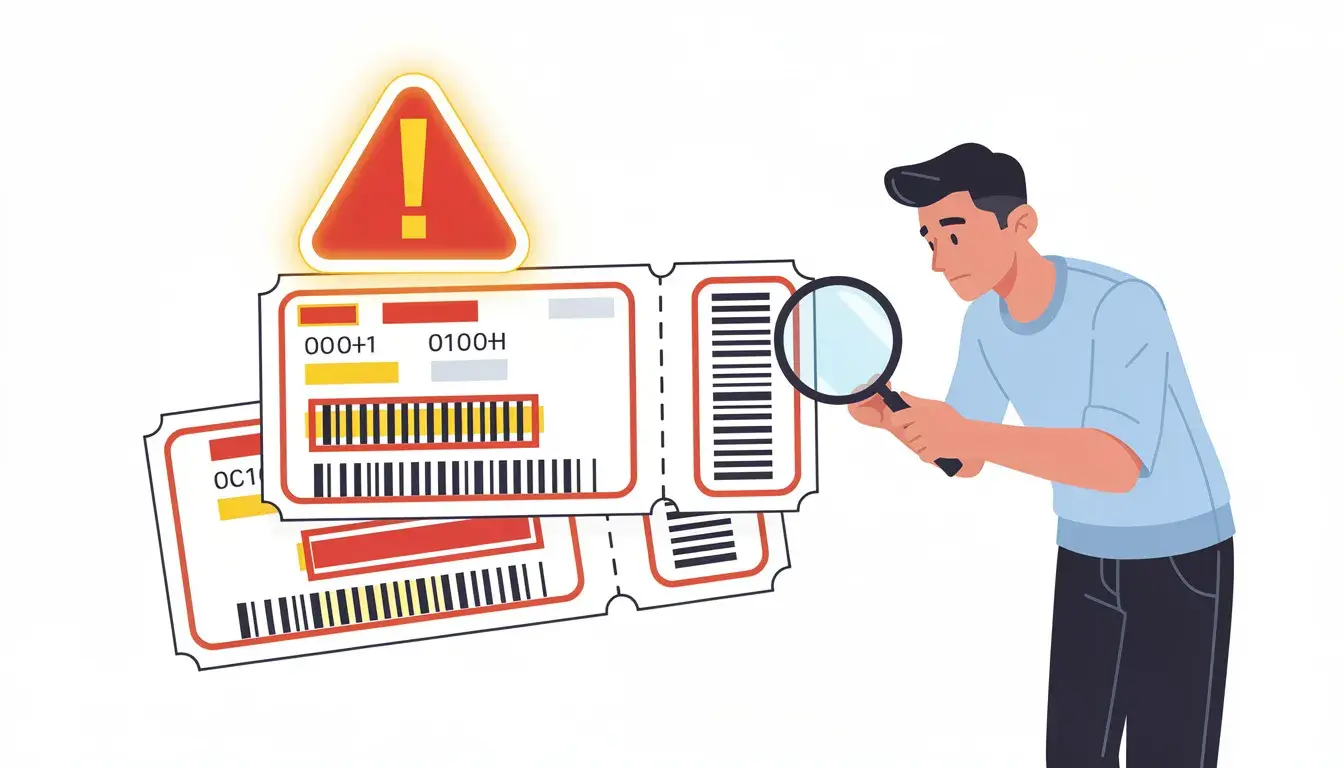
Short answer: If a dummy ticket displays a sex or gender marker that conflicts with the passport you will use, do not edit the PDF or guess which form option is required. Ask the issuer what is recorded in the actual reservation and how it can be corrected. For an X marker or a system with only M/F options, confirm the airline and destination requirements before booking; rules vary.
Reviewed for: travelers correcting a displayed gender-marker discrepancy in a temporary flight reservation. Checked 12 October 2026 against Canadian passport guidance on X markers and current destination-specific caveats. Booking, airline and visa rules vary.
Key facts:
- A displayed marker mismatch and an omitted marker are different situations.
- The current passport and the issuer’s operational record matter more than hand-editing a PDF.
- Some travel systems may not recognize X; do not assume one universal workaround.
- A PNR alone does not establish ticketing, validity or visa acceptance.
Need a current, accurate reservation? Confirm the supported identity-field format and correction terms before ordering a temporary flight itinerary.
Explore DummyFlightsIn This Guide
Why One Letter on Your Reservation Can Slow Down a Visa Review

If an itinerary prints a sex or gender marker that differs from the passport, treat it as a data discrepancy to investigate. The field may not be displayed on every reservation, and the receiving visa authority decides whether it matters for that application.
Compare the Displayed Field With Your Travel Documents
There is no universal order in which visa officers review booking fields. Your practical check is to compare any displayed marker with the travel document you will use and with the application instructions for that destination.
A dummy ticket can be a genuine temporary reservation showing intended travel. Confirm what status and reference the issuer provides; a booking code alone neither proves ticketing nor guarantees acceptance.
Visa evidence rules vary. Where a reservation is accepted, keep its displayed passenger details reconcilable with the passport and the application. Do not invent a marker or alter the PDF to force a match.
Use this as your own cross-check where the fields are shown:
-
Passenger name against the passport name
-
Date of birth and sex or gender marker, if displayed
-
Travel dates against your visa application form
-
Issuer or carrier reference and current booking status
-
Flight details such as route and flight number
A mismatch can be a form default, an older traveler profile, a changed document, or a limitation of the booking system. Find the cause before assuming a visa outcome.
A discrepancy may need clarification, but there is no general rule that one marker difference causes a refusal or a fixed delay. The relevant checklist, document type and actual booking record determine what correction or explanation is useful.
Consider Emma Wilson, who applies from Delhi for a ten-day trip to Paris. Her passport shows F. The order page defaulted to M, and she did not notice. The printed field conflicts with her passport. She asks the issuer to correct its underlying record and obtains an issuer-generated update before using it.
How Gender Marker Mismatches Slip Into a Reservation
Booking errors can lead to gender marker mismatches on dummy tickets. Several begin as ordinary data-entry or profile issues.
These are the usual causes:
-
A dropdown that defaults to the first option
-
A title such as Mr or Ms chosen out of habit
-
A saved profile copied from a family member
-
An old profile that still shows a marker you have since changed
-
A rushed order placed on someone else's behalf
Some booking systems restrict gender options to binary choices. If your passport shows X, or a marker that the form cannot display, do not guess. Message the provider before you pay and ask how the field is recorded. Ask for the issuer-supported handling before placing an order.
Applicants who recently updated their passport face a quieter risk. Old traveler profiles often keep the earlier marker. Check current passport and application instructions rather than relying on memory or a saved profile; ask the issuer how it records a marker its form cannot display.
Timing makes it worse. People often order the reservation in the last hour before an appointment. A tired applicant reads the confirmation for the name and the dates, then stops. Read the marker line as well, and read it slowly.
Mismatches also appear when someone else handles the order. A travel agent, a relative, or a friend may type your details from a photo of your passport. Photos get misread. Share sensitive passport data only through a trusted, necessary channel, and ask the agent to confirm the entered fields without circulating extra copies.
Why Airline Data May Need a Separate Correction
Airline, security and border processes can use passenger information that is separate from an itinerary PDF. A displayed mismatch is a reason to contact the carrier or issuer and confirm what is in the operational record before travel.
Some applicants hear that small differences never matter. Do not assume an airline will ignore a mismatch or require a particular correction in every case. Ask the operating carrier how to update its record.
A visa authority and an airline answer different questions, so resolve the field according to each one’s instructions rather than treating their checks as interchangeable.
Consistent information is easier to explain, but it does not guarantee a quick review. A mismatch may require a corrected document or a short explanation, depending on the receiving authority.
Passenger data may be transmitted for applicable security or border checks even when the PDF does not print it. Ask the airline to verify the actual record rather than assuming the boarding pass contains the same field.
Onward-travel requirements vary by destination and carrier. A marker issue is separate from proving your departure plan; check both against the relevant rules before travel. Knowing where the error enters is half the job, so the next step is to look at how booking forms actually collect these details.
Where Booking Forms Create the Mismatch Before You Click Confirm
Some discrepancies begin on an order form or in a saved traveler profile. A few seconds of care at this stage keeps your flight itinerary clean.
Binary Dropdowns and the Passport That Says X
Some countries issue passports with an X marker. Many reservation forms offer only two options. That gap is where applicants get stuck.
Do not guess at a required identity field. If the form cannot show your passport marker, ask the issuer and, where relevant, the airline or receiving authority which format to use. Possible next steps include:
-
Ask the provider whether the field can be left unspecified
-
Ask whether the issuer can record the passport marker in the underlying record
-
Explain the system limitation to a visa authority only if its instructions permit or a clarification is requested
Do not choose an option solely to get past the form. For a passport with X, the carrier or destination may require a specific binary entry; ask for the supported procedure before submitting data.
A short message works well. For example: Passport shows marker X. Form offers only M or F. How will the reservation record this? Keep it polite and specific. Ask the provider to answer in writing without sharing more identity data than needed.
Correcting errors on dummy tickets before submission is important to avoid issues. If correction is required, obtain the issuer-generated version before submission when possible.
Keep your own application consistent as well. If your visa application form lists one marker and the reservation lists another, you have a discrepancy to reconcile before submission. Check your passport and visa form side by side before you place the order.
Titles, Honorifics, and the Default Selection Trap
Some systems use a title to populate a separate marker field. Check whether choosing an honorific changes the passenger data in your specific form.
Check these points before you confirm:
-
The title, if present, does not conflict with the identity data you intend to submit
-
The marker field was not changed by the title
-
The order summary page shows the same marker
-
The confirmation email repeats it correctly
Defaults deserve special suspicion. A form that opens with the first option already selected will happily accept it if you scroll past. Read every field aloud once. It sounds silly, but it catches the error.
If needed, keep a private record of the form and confirmation to explain a system error to the issuer. Protect screenshots that contain passport details. Placing a dummy ticket booking takes only a few minutes, which is why people rush it. Slow down for the one minute that matters.
Family bookings need extra care. When you order for a spouse and two children, one copied passenger block can carry the wrong marker into every reservation. Review each passenger separately, and compare each one with that person's own passport.
Children deserve the same attention. Their passports carry markers too, and parents often type them from habit. Read each child's data page on its own, and do not reuse an adult profile as a template.
Name Details That Travel With the Gender Field
Check name fields separately from a marker discrepancy. They may have different correction rules.
Enter the name as your airline and destination require using the current passport as the source. The same spelling matters in every field, including your family name. Check each letter, not only the general shape of the name.
Middle names can cause mismatches in visa applications. Many airline systems truncate or drop them, so a reservation may show only one. A missing middle name is not always a problem, but you should know how your provider handles it.
Initials may trigger questions if not matching passport names. Use full names unless your passport itself shows an initial.
Order of names on the ticket can differ from the passport. That is common, because reservation forms split names into given name and surname fields. Still, every part of the name must appear somewhere in the right field.
A missing surname can lead to serious travel issues. Never leave the surname field half-filled, and never split a double surname across the wrong boxes.
Hyphenated surnames need a plan. If your passport shows Smith-Jones, type it exactly, with the hyphen if the form allows it. If the form strips punctuation, choose the version that keeps both parts in the surname field.
Minor spelling corrections are usually quick when you report them early. A change requested after submission leaves a gap between your documents, so ask before the file goes out.
Some forms also request your passport number. Copy it from the data page, character by character. Use a valid government ID as your reference, which for visa purposes means the passport itself.
A temporary hold may have a booking reference but no e-ticket number. Do not describe it as ticketed unless an e-ticket was actually issued. Once the form is filled correctly, you still need to audit the finished reservation the way a reviewer would.
A Pre-Submission Audit for Your Itinerary and Visa File

Audit the reservation field by field without pretending to know a visa officer’s private review method.
A Line-by-Line Check Against the Passport Data Page
Displayed passenger data should be accurate and traceable to the current passport, subject to the issuer’s formatting conventions. Open the passport data page and the reservation next to each other. Read them in the same order. For more detail, read Dummy Ticket Without Date of Birth: What to Check.
Check these items:
-
Surname and given names, including every middle name
-
Displayed marker, if any, and the issuer’s explanation of how it maps to the passport
-
Date of birth in the same day and month order
-
Passport details such as the document number, if the reservation shows one
-
Title, if the form added one automatically
Mark anything that differs, even by one letter. Then decide whether the difference is cosmetic or material. Name order can reflect system formatting; an actual field mismatch merits issuer review.
A simple rule helps. Ask the issuer to correct incorrect data. Do not assume that a particular display difference automatically changes the legal identity of the traveler. For more detail, read Dummy Booking With the Wrong Nationality: How to Correct It.
Ask a second person to read your passport aloud while you follow the reservation with your finger. Fresh eyes catch what tired ones skip.
Keep the corrected PDF and the original together in your records. If an officer asks about the change, you can show what you did and when. Also keep the payment details and receipt, so you can prove the order date.
Do one last read on a different device or a printed copy. Screens hide small things. Printed pages make a wrong letter stand out.
If you find nothing, do not skip the final step. Save the approved version under a clear file name, and upload only that copy. Old drafts left in a folder are how the wrong file ends up in an application.
Dates, Direction, and Expiry Problems That Sit Next to the Marker
A clean marker does not rescue a weak reservation. Also check dates, direction and expiry; they can create separate inconsistencies.
Dummy tickets should align with travel dates on visa applications. Travel dates should be reconcilable with the itinerary stated in your application. Conflicting travel dates can raise suspicion during visa review. Compare the departure and return on the reservation with the dates written on your visa application form.
Direction matters too. The required evidence for a one-way, return or onward journey depends on the visa and destination. Choose the route you actually intend and follow the checklist.
Dummy tickets should reflect realistic travel plans. Check that a multi-stop route has realistic connections; do not choose a route solely to make paperwork look persuasive.
Plan the dates around your appointment, not around your hopes. Compare intended departure with the published processing guidance and the issuer’s hold deadline, while allowing for uncertainty.
Where a checklist requests a return or onward plan, make that segment consistent with the intended stay. Do not assume every visa category requires the same evidence.
Expiry is the quiet problem. A lapsed hold may no longer describe a current booking. If the authority requests current evidence, ask the issuer for a new record and use the permitted update channel. A temporary reservation holds for a limited period, so time your upload soon after ordering.
Spotting a Reservation a Reviewer Can Actually Verify
Verification sits at the center of the whole process. Some visa checklists accept a genuine temporary reservation; others do not. Confirm the issuer’s status and supported verification route without assuming every authority uses an airline website.
A reference can identify a reservation, but the correct locator and retrieval channel vary by carrier and agency.
Do not submit fabricated or manually altered travel evidence. A failed public lookup is not by itself proof of fraud: contact the issuer, which may use a different carrier or agency locator.
Ask the provider which airline or agency issued the record, what route is held, whether an e-ticket exists and when the hold ends. Available carrier choices vary.
Expect an issuer-supported way to confirm the current reservation; public carrier lookup is not available for every partner or agency booking.
Look at how the reservation is presented, too. The PDF should show the flight details clearly, with the PNR, route, and passenger name in plain view. Keep the PDF legible and use the issuer’s unaltered version.
Check the record once more on the day you submit. You can also confirm the PNR with the airline directly if its site allows a lookup. Cancellations or timeouts can change a record after you saved the PDF.
Even a perfect audit sometimes finds a problem too late, so it helps to know your options after the order is placed.
What to Do When You Find the Mismatch After Ordering
Finding the error after payment feels worse than it is. Correction times depend on the issuer, airline and whether the record can be amended.
Asking for a Corrected Reservation Without Losing Time
Contact the provider as soon as you see the problem. Write one clear message. Include the order reference, the passenger name as printed in the passport, and the exact marker you need.
Your message should include:
-
Your order number and booking reference
-
The wrong field and the correct value
-
Your submission deadline
-
A request for written confirmation of the corrected record and its locator
Send the request in writing, not by phone alone. A written reply gives you a record to keep with the file. If the provider declines, ask for the reason and for a replacement order.
If the record cannot be amended, ask whether reissue is possible and what it costs. A DummyFlights reservation costs $15 per person, with a PNR valid for 48–72 hours and free date changes within the same day of booking; check the PNR on the airline’s own site before you submit.
Do not alter the PDF yourself. Editing the PDF does not update the underlying record and can misrepresent the booking.
Allow a correction buffer appropriate to the issuer’s stated turnaround. Corrections that are rushed can introduce new typos. Run your audit again on the new file, from the first line to the last.
Explaining a Marker Difference in Your Cover Letter
Sometimes the mismatch is not an error. Your passport may show X, or your documents may reflect a recent marker update. In that case, a short note helps.
A cover letter may help if the visa authority permits one; first seek an issuer correction and follow the destination’s instructions. Keep the note factual. State what your passport shows, what the reservation shows, and why they differ. Two or three sentences are enough.
Keep the tone calm. A cover letter is not a complaint. It reads best when it sounds like a clerk wrote it: dates, facts, document names. Include a booking reference only if it helps reconcile the documents and is appropriate for the receiving authority.
Alex Morgan holds a passport with an X marker. The booking form offered only two choices. Alex's cover letter says so in one line and points the officer to the passport data page. The note identifies the system limitation, but the authority still decides whether the evidence is acceptable.
No document can guarantee visa approval. A concise explanation can identify the system limitation, but it does not replace any required correction.
Place the note in the same folder as your other visa documents, right beside the reservation. A clear file is easier to understand; it does not predict a visa decision.
Planning Real Travel Around the Same Corrected Details
Many applicants later turn an approved visa into a real trip. The corrected details matter again at that point.
A paid ticket is a different commitment from a temporary flight reservation. Before buying one, read the fare rules. Non-refundable tickets can leave you with little room to fix a name or marker error after purchase.
Even a low-cost carrier such as AirAsia or Air Arabia may charge a fee for corrections. Others, such as United Airlines, Air Canada, or Air India, may handle name and marker fixes under different conditions. Check the airline's official rules before you pay.
Travel insurance adds another layer. Check the insurer’s policy conditions and use the traveler’s correct legal name. Use the same passport name on your insurance, your hotel booking, and any dummy hotel booking you attached to the file.
On international travel days, queues are long, and agents have little time to resolve data issues. At the airport, the check-in counter is where your data finally meets you in person.
Bring the passport, and expect the agent to compare it with your travel details. A corrected record reduces an avoidable discrepancy, but does not guarantee a smooth check-in.
Also review how the marker appears on later documents, because one wrong record can follow you into the next booking if you copy it forward. Treat every new booking as a fresh check, not a copy of the last one. With the audit done and the fix in hand, one decision remains.
Match the Marker, Then Submit With Confidence
If a marker appears on the itinerary, compare it with the passport and application rules, then ask the issuer about any difference. Separately confirm the current reservation, route, dates and hold expiry.
If something is off, correct it before submission and keep a short note ready. An issuer-supported correction can prevent an avoidable inconsistency. You now have a clear process, so run it once more and submit.
Official-source check: Canada’s passport guidance explains the X marker and warns that some travel systems or countries may not recognize it. TSA’s Secure Flight description shows that gender can be transmitted as passenger data; it does not establish a universal itinerary-PDF display rule. Check the current rules for the passport issuer, airline and destination.
Gender-marker mismatch: quick answers
Is an omitted marker the same as a wrong marker?
No. First determine whether the itinerary displays a field and what the issuer recorded.
Should I edit the PDF myself?
No. Request an issuer-generated correction or reissue.
What if my passport shows X but the form offers only M or F?
Ask the issuer and operating airline how they handle the field, and check destination rules before choosing an option.
Does a visible PNR prove the identity field is correct?
No. Confirm the passenger data and reservation status through the issuer-supported channel.
Will a mismatch automatically cause a visa refusal?
No universal rule says so. Correct inaccurate data and follow the receiving authority’s checklist.
Does a corrected reservation guarantee boarding?
No. The carrier and destination also check ticketing, identity and entry requirements.
Resolve the record before relying on the document. Ask for written confirmation of the corrected passenger field, route, reference and hold deadline.
Review reservation optionsFriendly reminder: This guide is not a substitute for the carrier’s, passport issuer’s or destination’s current instructions. Do not present a temporary reservation as an issued e-ticket.