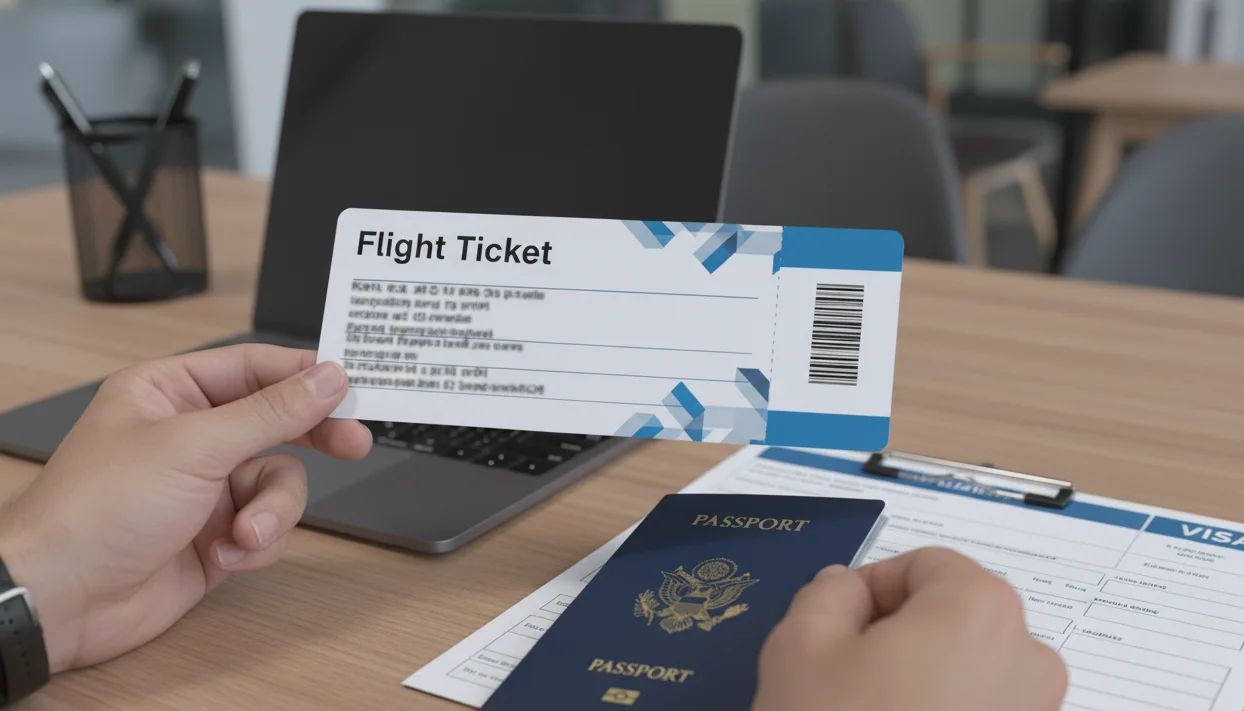
Short answer: A dummy ticket PDF sample is useful only when it reflects a truthful, checkable reservation. Review the passenger name, PNR, airline, route, dates and status against your passport and visa file before submission. A sample or PDF cannot replace a required document or guarantee approval, boarding or entry.
Key facts
- A PDF is useful only when its underlying reservation is truthful and checkable.
- Passenger name, PNR, airline, sectors and dates should match the application.
- Never edit a sample to invent a booking, status or travel detail.
- Requirements vary by destination; a reservation cannot guarantee approval or entry.
Need a verifiable dummy ticket PDF for your visa file? Use the exact passport name, a realistic route and dates your documents support, then check the PNR before submission.
Prepare your dummy ticketIn This Guide
Official source check
Use the IATA Timatic travel-document resource and the destination authority’s current visa and entry instructions when checking passport, transit and carrier requirements. A reservation’s live status is controlled by the issuing system and can change without notice.
Reviewed for: dummy-ticket PDF fields, PNR verification, passenger-name accuracy, route and date consistency, sample safety and claim-safe visa guidance.
Applying for a visa can feel like a maze, especially when you hit that confusing part about a “dummy ticket.” You’ve probably seen dozens of websites offering editable PDFs that look real but aren’t verifiable. That’s where most applicants go wrong. Embassies don’t want fake documents—they just want proof that you’ve planned your trip sensibly. A proper dummy ticket is a real, temporary reservation with a valid booking reference, not a made-up file.
If you’re applying from India, this detail matters even more because embassies here check things thoroughly. Whether you’re a student heading to Europe, a family planning a summer vacation, or a professional flying for business, understanding how dummy tickets work can save you stress, money, and potential visa rejections. Start your visa journey now — Book Dummy Ticket in minutes.
Why a Verifiable Dummy Ticket PDF Helps Visa Applicants

If you’ve ever applied for a visa from India, you already know that one small document can make or break your application — the flight itinerary, often called a “dummy ticket.” It looks simple, but for many Indian applicants, it’s a source of endless confusion. You search online, find countless “dummy ticket samples,” and within minutes, you’re staring at editable PDFs that anyone can fake. They look real, sure, but they don’t work when it matters most. Embassies can easily check these files, and when they can’t find a live booking linked to your name, your credibility takes a hit.
That’s where our Genuine Dummy Ticket PDF changes the game. It’s not a fabricated sample. It’s a real, verifiable visa flight itinerary requirements with a live PNR (Passenger Name Record) that embassies can confirm through official airline systems. This isn’t about tricking the visa process — it’s about preparing your application the right way, the smart way, and protecting your reputation while doing it. Need a verified itinerary today? Try our Dummy Ticket Booking instantly.
Tired Of Guessing Which Dummy Ticket Works? Here’s The Truth
Most first-time travelers from India fall into the same trap. They assume all dummy tickets are the same. After all, it’s “just a flight PDF,” right? But embassies don’t see it that way.
A dummy ticket PDF sample you download online is nothing more than a template — an editable file someone has designed to look like a real ticket. You can type your name, destination, and dates into it, save it as a PDF, and it might fool a casual glance. But it won’t pass any verification check.
A genuine dummy ticket, on the other hand, is a live flight reservation made through a legitimate Global Distribution System (GDS). This system connects directly to airline databases — meaning your booking has a valid reference number (PNR). If an embassy officer, travel agent, or airline staff checks it, it will show up as a real reservation.
This difference is everything. A sample PDF can make your file look suspicious. A genuine dummy ticket makes your file look prepared, consistent, and authentic — the way a real traveler’s application should.
When you apply for a visa, the goal isn’t to “fool” anyone. It’s to prove you’re a responsible applicant who has planned every step of your journey carefully. A live dummy ticket does that perfectly.
How Our Genuine PDF Makes Your Visa File Look Professional
A well-prepared visa file tells a story — your story. It shows that your travel plans, accommodation, insurance, and return intentions all make sense together.
That’s where a genuine dummy ticket PDF plays a huge role.
Here’s how it ties everything together:
-
Perfect alignment with other documents: The flight dates match your hotel check-in and check-out, and your travel insurance covers the same duration.
-
Consistent personal details: The name, passport number, and route in your dummy ticket match what’s written in your forms and invitation letters.
-
Logical routing: The itinerary looks practical and believable — for example, Delhi to Frankfurt for a German visa, not something random like Mumbai to Oslo if you’re applying through Italy.
Visa officers appreciate applicants who present clean, consistent documentation. It saves them time and shows you respect their process.
You’d be surprised how many visa refusals happen because applicants use sloppy, mismatched dummy tickets. Maybe the ticket shows a return on the wrong date, or the name is misspelled, or the route makes no sense. With a genuine, verified PDF, every detail fits neatly — it looks exactly how a legitimate reservation should.
This small change can make your entire file look professional and reliable.
Why Verifiable PNRs Matter During Document Checks
Let’s make this simple. A PNR is the backbone of your flight booking — it’s a unique code that stores all your reservation details. When you buy or reserve a ticket, that code links directly to the airline’s system.
Embassies use it for a reason: it’s their easiest way to confirm that your booking exists.
When you submit a dummy ticket with a live PNR, here’s what happens:
-
A visa officer or system can check the code through the airline’s website or internal tools.
-
The record confirms your name, travel dates, and flight route.
-
A document is easier to assess when it matches a checkable reservation.
When you submit an editable fake, none of that happens. The PNR is either missing or invalid. Embassy systems flag it immediately.
Think about it from their perspective: they handle thousands of applications every week. The easiest way to filter out risky or fake submissions is to check the PNR. That’s why using a genuine dummy ticket isn’t just smart — it’s the only responsible way to go.
By giving you a verified, live PNR, our PDF helps your application stand up to real scrutiny. It’s your silent proof that you’ve done everything the right way.
Real Examples: Students, Tourists, Families, And Professionals
Every Indian traveler has a different story, but the need for a genuine dummy ticket connects them all.
-
Students: You’re heading to France or Canada for studies, but your visa isn’t approved yet. You can’t risk buying a full ticket. A genuine dummy ticket reserves your seat, shows your travel intent, and keeps your file solid until your visa comes through.
-
Tourists: You’re planning a Schengen trip with multiple cities — Paris, Rome, Amsterdam. A live, verifiable ticket helps map your route clearly and convinces the embassy your trip is genuine.
-
Families: You’re applying together for a vacation or a relative’s wedding abroad. A consistent, group dummy ticket PDF shows all passengers under one booking, reinforcing family ties and return intent.
-
Working Professionals: You’ve got limited leave days and need to show planned travel dates. A verified dummy ticket aligns with your company letter and return schedule — no guesswork, no mismatched information.
-
Digital Nomads: You travel frequently and apply for multiple short-term visas. Having a verifiable dummy ticket saves money and keeps your itinerary flexible without paying upfront for flights you might need to reschedule.
Each of these travelers faces the same challenge — how to provide flight proof without financial risk or fake-looking documents. A genuine dummy ticket solves that elegantly.
When you apply for a visa, you want to look prepared, not desperate. You want to come across as confident, not careless. Using a genuine, verifiable dummy ticket PDF makes that possible. It adds structure, professionalism, and credibility to your entire application — exactly what every embassy wants to see.
This isn’t about gaming the system. It’s about understanding it — and using the right tools to make the process smoother, safer, and stress-free.
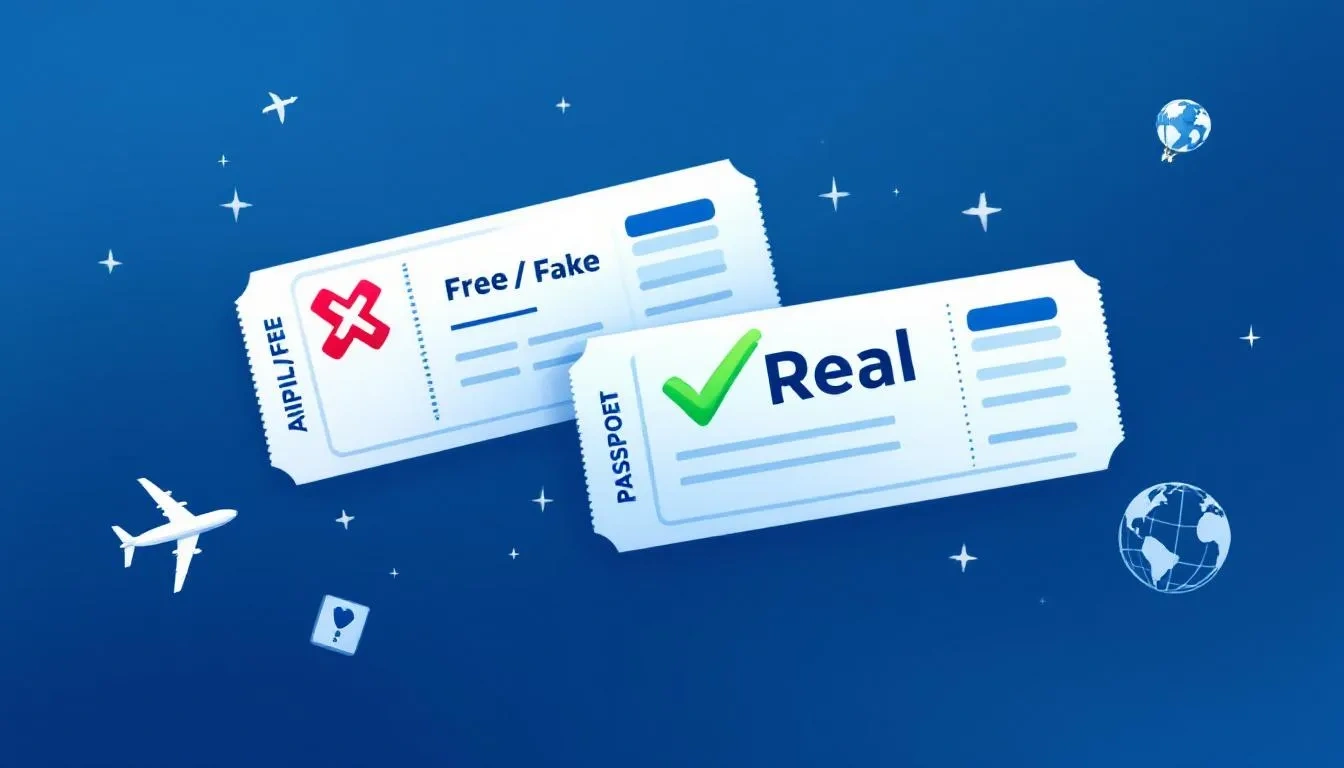
Fake or Real? Why Verification Matters More Than an Editable PDF
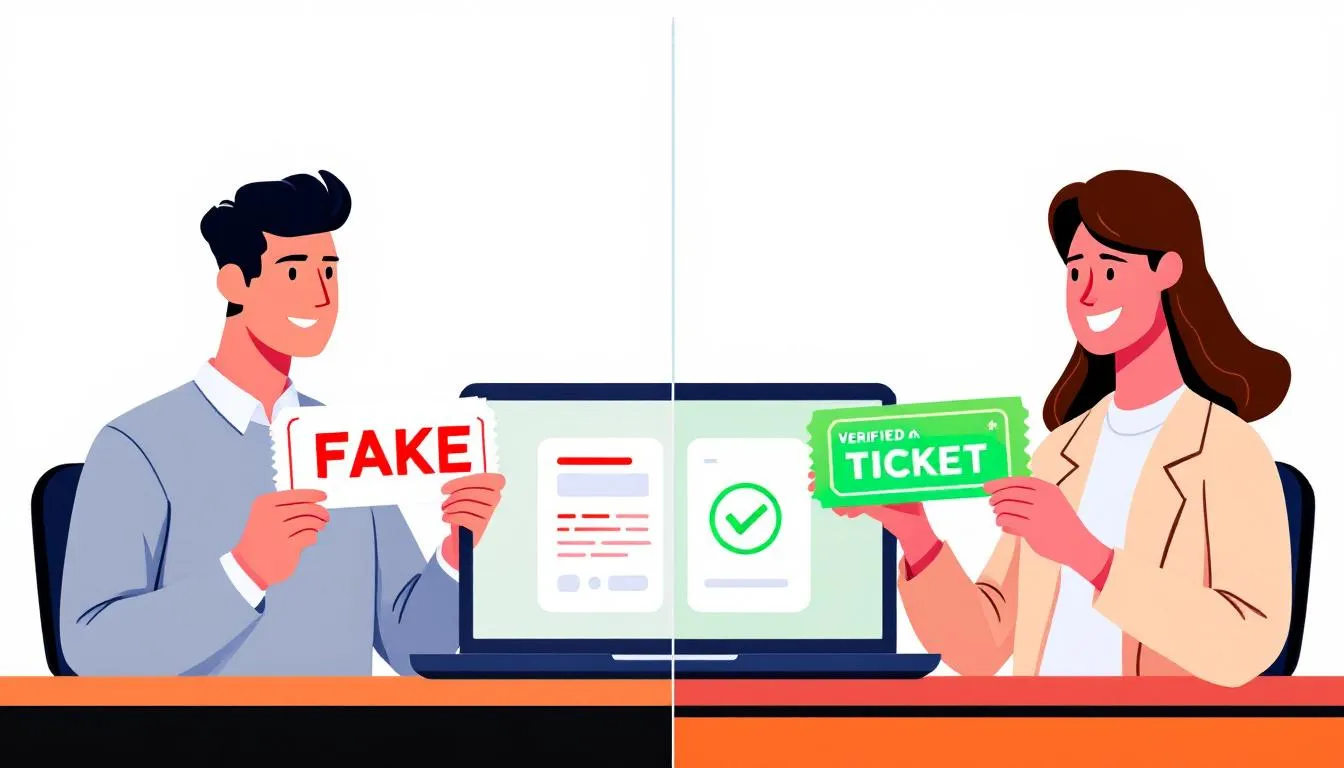
You’ve probably seen those editable fake PDFs online. They look tempting because they promise a quick fix—just download, fill in your name, and voilà, instant “dummy ticket.” But here’s what really happens: embassies and visa officers aren’t fooled. They can tell in seconds whether your document connects to a real airline booking or not. And once that doubt enters the officer’s mind, your credibility suffers.
Let’s break this down clearly. Fake ticket PDFs aren’t just useless; they can actively damage your application. A genuine dummy ticket PDF, on the other hand, is traceable, easier to review when its underlying record is active and accurate. It gives you peace of mind, not panic. Stay stress-free before your visa — Book Dummy Ticket online now.
The Hidden Risks Of Fake Ticket PDFs
Fake dummy tickets spread fast on travel forums and WhatsApp groups in India. You’ll find free templates shared around with messages like, “Use this for visa—is designed to support a clear, checkable file.” But the truth? Those so-called templates create more trouble than they solve.
Here’s why. Embassies have verification tools that instantly check whether your ticket is real. When they type in your PNR—or the six-character booking reference—it either pulls up a real reservation or shows nothing at all. If it’s fake, that’s it. Your document gets flagged.
Some common signs of fake tickets include:
-
Invalid or missing PNR numbers that lead nowhere.
-
Inconsistent airline codes or routing (like showing Emirates for a Qatar Airways flight).
-
Unusual date formats or fonts that don’t match standard airline styles.
-
Flights or routes that don’t exist in current airline schedules.
Visa officers see these daily. A fake ticket doesn’t just waste your effort—it makes your entire file look careless. Even if other documents are genuine, that one weak link can raise doubts about everything else you’ve submitted.
Think of it like showing up to an interview with a fake resume line. Even if 95% is true, that one fake entry ruins the impression.
What Happens When Your Dummy Ticket Doesn’t Check Out
Many Indian applicants learn this the hard way. You might get a call or email asking for clarification. Sometimes, nothing happens immediately—but your application moves more slowly. The officer might double-check your documents or even note your file as “inconsistent.”
Here’s how it plays out in real life:
-
The embassy checks your ticket. They enter your booking reference online or through their internal system.
-
It doesn’t show up. The system can’t find your flight.
-
Your file gets flagged. The officer now wonders what else might not be genuine—your hotel booking, bank statements, even travel insurance.
-
You lose credibility. Even if you’ve done everything else right, you’ve lost their trust.
And credibility is everything in a visa interview. You can’t easily rebuild it once it’s gone.
There’s another side to this too. Some applicants unknowingly buy fake tickets from random sellers online. They get what looks like a clean PDF, but it’s not a live booking. When they later try to verify it on the airline’s website, nothing appears. By then, it’s too late.
If your dummy ticket doesn’t check out, you don’t just risk delays—you risk outright refusal. Visa officers often mark such applications as “misrepresentation” or “incomplete evidence.” Both can hurt future applications, even years later.
How A Genuine PDF Protects You From Rejection
Now, let’s look at what happens when your dummy ticket is genuine.
Every genuine dummy ticket PDF we provide includes a live, verifiable PNR. That means the booking exists on the airline’s system. You (and the embassy) can check it online through the airline’s “Manage Booking” page.
Here’s what this gives you:
1. A Repeatable Verification Path.
You get a booking that any embassy or airline staff can verify instantly. This helps show that the travel plan is supported by a checkable record.
2. Transparency Across Your Application.
Your ticket matches your travel dates, hotels, and insurance period. That consistency helps you look organized and credible.
3. Clear Records Can Reduce Avoidable Follow-up.
When everything checks out quickly, visa officers process your file faster. They may need less avoidable follow-up when the record is clear.
4. A Safety Net For Reschedules.
If your appointment date changes, we can update the reservation to reflect new travel dates—while its PNR remains active, subject to the issuing system.
With a genuine dummy ticket, your story holds up under scrutiny. It aligns perfectly with what you’ve written in your forms and what you’ll say during your interview. There’s no anxiety about getting caught or questioned. Just have confidence that your documents speak for themselves.
Don’t Gamble With Your Visa—Here’s A Smarter Way
A visa application isn’t a lottery ticket. It’s a test of preparation and attention to detail. Submitting fake documents is like gambling with your future—especially when the fix is so simple.
A genuine dummy ticket PDF costs a little, but it saves you far more in the long run. You avoid:
-
Stress during embassy verification.
-
Reapplication fees after a refusal.
-
Embarrassment during interviews when officers ask to confirm your booking.
Instead, you gain:
-
A live, verifiable PNR backed by real airline data.
-
Documents that match perfectly with your other proofs.
-
Peace of mind knowing your visa file is built on trust, not chance.
If you’re a student, a family traveler, or someone applying through VFS, you already have enough to manage—documents, interviews, deadlines. A fake ticket only adds risk and stress. A genuine one simplifies everything.
Let’s be honest: visa officers aren’t impressed by fake files. They’re impressed by applicants who prepare honestly, present clean paperwork, and respect the process. That’s what a genuine dummy ticket PDF helps you do.
So, when you see another “free editable sample” floating around online, remember—cheap shortcuts often cost the most.
Choose peace of mind. Choose something verifiable, professional, and embassy-friendly. Because when it comes to visas, the smartest move isn’t the fastest—it’s the one that can be checked against the relevant requirements.
Why Indian Visa Applicants Should Use a Verifiable Dummy Ticket PDF
If you’ve ever tried applying for a visa from India, you know it’s rarely a smooth ride. Appointments fill up fast, embassy rules differ from city to city, and you never know when a biometric slot will open or get postponed. Between managing work leave, collecting documents, and booking your travel itinerary, things can feel chaotic. That’s exactly why having a verified dummy ticket PDF isn’t just helpful—it’s practically essential.
Unlike random samples or free dummy ticket templates you find online, a verified dummy ticket gives you a real, flexible flight reservation that you can use confidently during every visa stage. It fits the unpredictable rhythm of Indian travel planning, especially when your visa authorities expect authentic, traceable paperwork. Fast, reliable, embassy-approved — make your Dummy Ticket Booking today.
Visa Appointments, Biometrics, And Changing Dates—We’ve All Been There
Anyone who’s ever scheduled a visa appointment in Delhi, Mumbai, or Chennai knows how often timelines shift. Sometimes your slot moves forward; sometimes you wait weeks. You might need to adjust your flight ticket twice before you even submit your application.
That’s where verified dummy flight tickets make life easier. They come with a live e-ticket number and a real booking reference, which means if your departure date changes, you can simply update it instead of starting over. The document stays consistent and traceable, meeting all embassy requirements while giving you breathing room.
For example, let’s say your biometrics appointment for a Schengen visa gets rescheduled. Instead of panicking about rebooking your ticket or losing money, your verified dummy ticket can be edited to reflect new arrival times or flight numbers—all while staying genuine.
This flexibility helps you focus on the actual visa process instead of worrying about flight adjustments or unpredictable embassy calendars. It’s like having a ready backup plan that moves with you, not against you.
For Students, Families, And Professionals: Why A Dummy Flight Ticket Makes Sense
Every Indian traveler has a different reason for needing a dummy flight ticket, but the goal is the same—to show a realistic, verifiable travel itinerary without paying the full fare before approval.
-
Students: If you’re heading to Europe, Canada, or Australia, your visa authorities need to see your onward ticket to confirm your intended arrival and course start date. But paying for the full journey before your visa approval is risky. A verified dummy ticket bridges that gap—it shows your seriousness without forcing you into early spending or refund struggles.
-
Families: When you’re applying as a group, it’s crucial that everyone’s passenger information and routes line up. A verified PDF in a consistent PDF format for all members shows that your plans are well-organized. Embassies love that kind of clarity—it reduces confusion during document review.
-
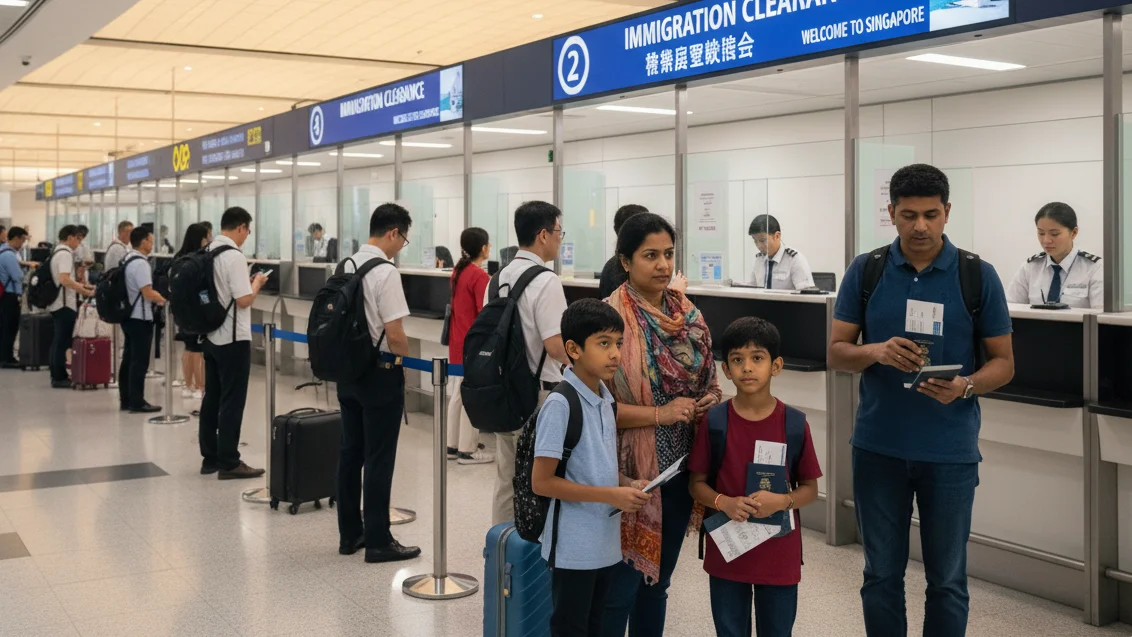
Working Professionals: For business travelers, a dummy ticket is proof of intent, not a financial burden. You can print it for your company HR, attach it to your leave approval, or show it at the immigration counter if asked for preliminary evidence of onward travel.
-
Frequent Travelers & Digital Nomads: If you visit many countries or apply for short-term visas regularly, verified dummy tickets save you from repeatedly booking and canceling. You get professional documentation through a reliable travel agency without paying for actual travel each time.
Whether you’re a student planning your first international trip or a parent organizing a family holiday, having a verified dummy ticket means one less thing to stress over. It’s your buffer against uncertainty.
Avoiding Stress During Peak Indian Travel Seasons
India’s travel cycles are intense. Between summer vacations, festive holidays, and admission seasons, embassy centers from Bengaluru to Hyderabad overflow with applicants. During these times, securing a genuine dummy ticket becomes more than a convenience—it’s a survival tool.
When many countries expect proof of onward travel before even scheduling an appointment, you can’t afford to scramble for last-minute tickets. Verified dummy tickets let you apply confidently even when flight prices skyrocket.
Here’s what usually happens:
-
During Diwali or New Year, flight availability drops and fares shoot up.
-
You need to show flight details for your visa file, but you can’t risk booking a non-refundable fare.
-
With a verified dummy ticket, you get the best of both worlds—a legitimate booking that’s less financially exposed than an unused paid fare and structured for review where the checklist permits a reservation, without locking your money in advance.
It’s also ideal when your airport of departure changes. For instance, maybe you were planning to board from Mumbai but find a cheaper connection from Kochi. Your verified dummy ticket can be updated quickly, unlike fake templates that need to be rebuilt from scratch.
Indian travelers know how unpredictable travel seasons can get. Having a genuine, flexible PDF ticket saves you from endless last-minute chaos and unnecessary costs.
Peace Of Mind When Every Document Matters
Visa files aren’t just stacks of papers—they’re reflections of how prepared you are. When an officer reviews your documents, they expect your flight details, hotel bookings, and financial proofs to all line up neatly. Any mismatch can raise suspicion, even if it’s minor.
A verified dummy ticket PDF helps you avoid those red flags. It carries real flight numbers, valid arrival and departure times, and proper passenger information—the same way a full-priced ticket would. You can confidently hand it over knowing it checks every box the embassy might look for.
And because it’s in a professional PDF format, it’s easy to upload to online visa portals or take a printed copy for your appointment. No messy edits. No questionable fonts. Just clean, consistent documentation.
That peace of mind matters most in the days before your appointment. You already have enough to think about—location, interviews, and waiting for your turn at the center. A verified dummy ticket lets you focus on what really matters instead of worrying about being caught off guard by document issues.
It also helps after submission. If the embassy calls or emails to confirm your itinerary, you can share your PNR confidently or even check it yourself through your phone on the airline website. Everything lines up perfectly—no panic, no scrambling.
So, while a dummy ticket might seem like just another piece of paper, in reality, it’s a silent supporter of your entire visa process. It ties your application together and gives you a calm assurance that every part of your file will pass review smoothly.
A verified dummy ticket PDF isn’t about pretending—it’s about preparing. It’s about being one step ahead in a visa system where timing, accuracy, and presentation count for everything. Whether you’re applying for your first Schengen visa or your tenth U.S. renewal, this single document keeps your plans stable, your story consistent, and your chances strong.
When the stakes are this high, it makes no sense to risk a fake. Choose verified, stay ready, and travel smarter. Because in today’s visa world, real preparation beats lucky guesses every single time.
Dummy Ticket PDF Sample: What to Check Before Submission
When it comes to your visa, every document you submit tells a story about how prepared you are. A genuine dummy ticket PDF sample isn’t just another piece of paper—it’s proof that you understand how embassies work and that you respect their process. That’s exactly what DummyFlights.com helps you achieve.
At DummyFlights.com, we create verified, embassy-ready flight and hotel reservations designed specifically for visa submissions. You don’t have to risk buying expensive, non-refundable tickets before approval. Instead, you get an instantly downloadable PDF reservation that looks professional, includes all valid booking details, and is fully acceptable for visa purposes across countries.
The process is refreshingly simple: fill in your travel details, confirm and pay, then download your reservation immediately. Each booking should include a reference number that can be checked while active—making your file clean, consistent, and trustworthy.
Whether you’re applying for a student visa, planning a family vacation, or arranging a business trip, DummyFlights.com gives you a set of travel-proof fields to review:
-
Instant flight or hotel reservations formatted for travel-proof review; requirements still vary.
-
Free date changes within the same day of booking.
-
Multi-city options and tailored routes that avoid tricky transit countries.
-
Support even if you’re already at the embassy.
Most importantly, our service keeps your application less financially exposed than an unused paid fare and your money untouched until your visa is approved.
Visa applications can be stressful, but your documents don’t have to be. Choose our smart, affordable, and reliable way to get genuine reservations that support an application where the checklist permits them. Because when your travel dreams depend on one file, it’s worth choosing the option that’s fast, verifiable, and available to travelers in different markets. Make your visa file look professional — use our Dummy Ticket Booking platform.
Ready to prepare travel proof you can explain? Create a truthful reservation and keep its passenger name, PNR, route, dates and validity status aligned with your visa file.
Prepare your dummy ticketFrequently Asked Questions
What should a dummy ticket PDF sample show?
Check the passenger name, booking reference or PNR, airline or flight details, sectors, dates and reservation status. The fields should match your passport and application.
Can I submit an editable dummy ticket PDF sample?
Do not edit a document to create facts that are not in the reservation system. Use a truthful record and verify it while active; a polished PDF alone is not proof.
How do I verify a dummy ticket PDF?
Use the airline or issuing system with the locator and surname where available. Confirm the itinerary, passenger details and current status before uploading or printing.
Is a dummy ticket PDF enough for a visa application?
Only where the current checklist permits temporary travel proof. It may support the file, but it does not replace required funds, accommodation, insurance, invitations or authorisations.
How recent should a dummy ticket PDF be?
Prepare it close enough to the appointment or upload window that the PNR remains checkable, while leaving time to review every field and correct genuine errors.
Does a genuine-looking PDF guarantee visa approval?
No. Visa authorities, airlines and border officials apply current rules and retain discretion. A reservation supports an application but cannot guarantee approval, boarding or entry.
Friendly reminder: DummyFlights provides temporary travel-proof documents for planning and application support. Requirements vary by destination, airline, route and applicant situation. A dummy ticket can support a file, but it does not guarantee approval, boarding or entry.